
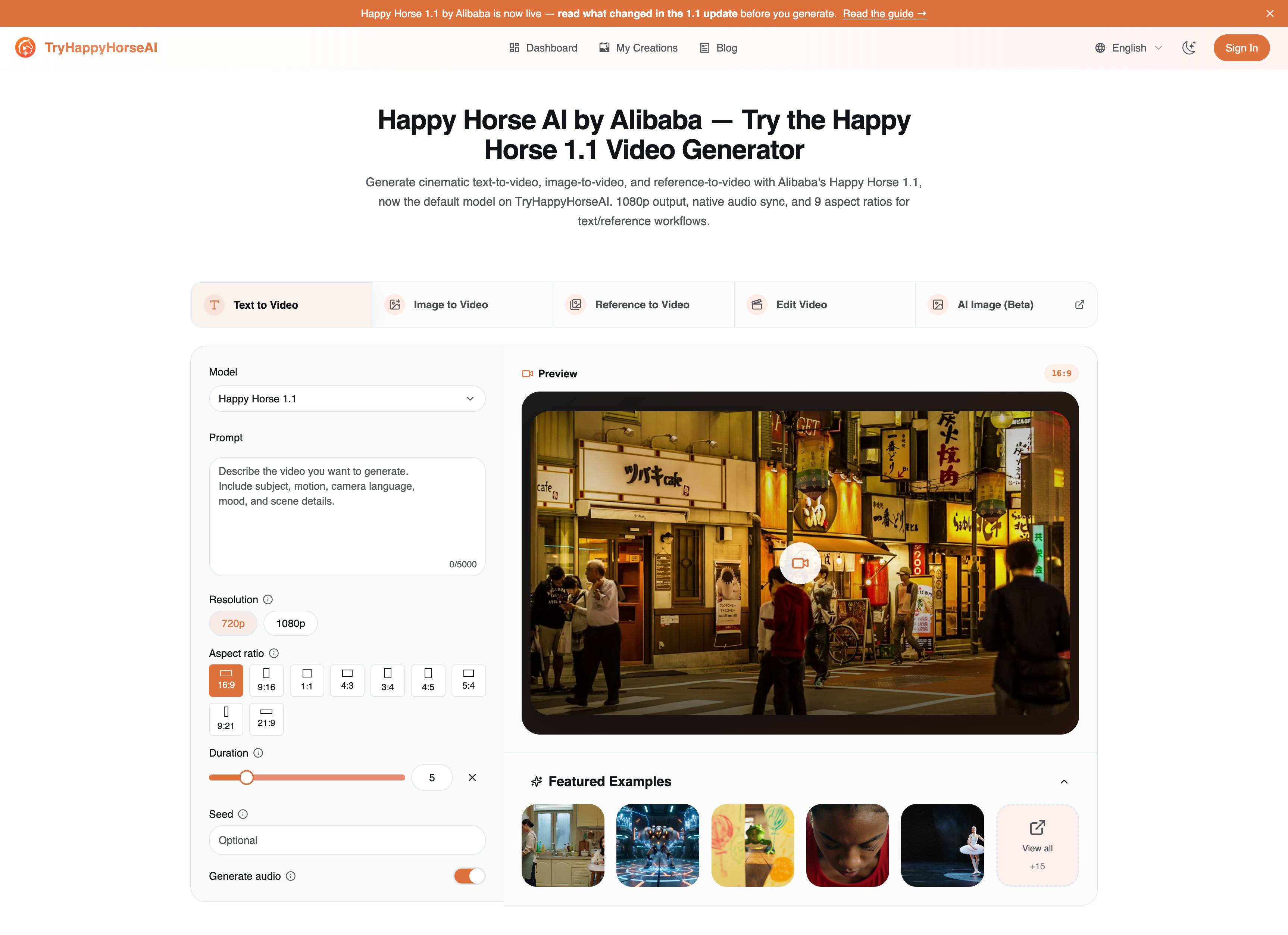
Happy Horse 1.1 Generator Guide
Learn which Happy Horse 1.1 page to use for text, image, and reference video workflows, with settings, prompt formulas, and examples.
Read the 1.1 guide
Generate AI videos from text prompts, still images, reference frames, or existing clips with multiple models, flexible framing, optional audio, and downloadable HD output.
Choose the workflow that matches your source material, whether you are starting from an idea, a still image, a reference set, or a clip that needs to be transformed.
Turn a written scene, motion idea, or campaign concept into a rendered video draft with model-aware controls.
Upload a still frame, product image, or concept art and transform it into motion while preserving the visual direction.
Use multiple reference images when you need stronger character, style, or product consistency across the generated shot.
Upload an existing video and describe what to change, preserve, or restyle without rebuilding the entire clip from scratch.
Preview recent public generations, study effective prompt patterns, and jump into your own workflow when you're ready.
用图2替换图1穿红衣的女子。理解场景:情侣二人与女子擦肩而过
鏡頭全程完全靜止固定,畫面上下黑色邊框鎖死不動,黑邊絕不會偏移、滑動、滾動。 以附圖生成視頻,保留原圖構圖與風格不變,只需所有人物、動物、樹、花草、雲和煙霧加入自然輕微的動作與互動。 鏡頭與上下黑邊全程零位移。
鏡頭全程完全靜止固定,畫面上下黑色邊框鎖死不動,黑邊絕不會偏移、滑動、滾動。 以附圖生成視頻,保留原圖構圖與風格不變,只加入自然輕微的動作與互動。 鏡頭與上下黑邊全程零位移。
鏡頭全程完全靜止固定,畫面上下黑色邊框鎖死不動,黑邊絕不會偏移、滑動、滾動。 以附圖為基礎生成視頻,保持原圖的構圖、人物身份、服裝、臉部風格、色彩層次和整體中國風夢幻油畫質感完全一致,不要改變場景結構與主體位置。讓畫面中的所有雲、花草、流水和人物都自然、合理、輕微地動起來:天空中的雲朵緩慢流動,光暈柔和擴散;花草和樹枝隨微風輕輕擺動,花瓣偶爾飄落;流水和湖面有細緻的波紋與慢速流動;人物則進行溫和、連貫的小動作,例如眨眼、微微轉頭、輕輕點頭、互相對視、抬手示意、衣袖隨風微動、彼此輕聲交談或安靜致意。人物之間的互動要符合畫面氣氛,優雅、克制、自然,像一幅活過來的仙境長卷。鏡頭保持穩定,只允許非常輕微的推近或漂浮感,不要快速移動,不要切鏡,不要新增角色,不要刪減角色,不要改臉,不要改服裝,不要讓人物走位、穿模、抖動、變形或背景錯亂。整體效果要像一幅精緻夢幻的古風油畫被溫柔喚醒,畫面靜中有動,柔和流暢,充滿生命感。 鏡頭與上下黑邊全程零位移。 negative prompt: exaggerated motion, fast camera movement, shaky camera, sudden zoom, scene change, flicker, warping, face distortion, body deformation, extra limbs, missing limbs, duplicate people, unstable hands, floating objects, background melting, water distortion, plant deformation, clothing morphing
鏡頭全程完全靜止固定,畫面上下黑色邊框鎖死不動,黑邊絕不會偏移、滑動、滾動。 以附圖為基礎生成視頻,保持原圖的構圖、人物身份、服裝、臉部表情風格、色彩與整體油畫質感完全一致,不要改變主題與畫面佈局。讓畫面中的所有人物都以自然、合理、輕微的方式動起來:前景和兩側的人物輕微呼吸、眨眼、微微轉頭、視線交流;靠近中央的人物可以做出輕微鞠躬、點頭、伸手示意、彼此致意或安靜交談的動作;人物群組之間的互動要連貫、克制、符合當下氛圍,像一場莊重而生動的儀式或表演。衣袖、頭飾和披風可隨動作做極小幅度飄動,背景光影和顏色保持穩定,只加入非常細微的呼吸感流動。鏡頭保持穩定,只有輕微推近或微幅漂浮感,不要快速移動,不要切鏡,不要新增角色,不要刪減角色,不要改臉,不要改服裝,不要讓人物走位、穿模、抖動或肢體變形。整體效果要像一幅高級油畫被溫柔喚醒,人物互動自然、莊重、流暢、真實。 鏡頭與上下黑邊全程零位移。 negative prompt: exaggerated motion, fast camera movement, zoom in/out, shaky camera, scene change, face distortion, body deformation, extra limbs, missing limbs, duplicate people, flicker, warping, melting, jitter, teleporting, inaccurate hands, unstable background, clothing morphing
鏡頭全程完全靜止固定,畫面上下黑色邊框鎖死不動,黑邊絕不會偏移、滑動、滾動。 以附圖為基礎生成視頻,保持原圖的構圖、人物身份、服裝、臉部表情風格、色彩與整體油畫質感完全一致,不要改變主題與畫面佈局。讓畫面中的所有人物都以自然、合理、輕微的方式動起來:前景和兩側的人物輕微呼吸、眨眼、微微轉頭、視線交流;靠近中央的人物可以做出輕微鞠躬、點頭、伸手示意、彼此致意或安靜交談的動作;人物群組之間的互動要連貫、克制、符合當下氛圍,像一場莊重而生動的儀式或表演。衣袖、頭飾和披風可隨動作做極小幅度飄動,背景光影和顏色保持穩定,只加入非常細微的呼吸感流動。鏡頭保持穩定,只有輕微推近或微幅漂浮感,不要快速移動,不要切鏡,不要新增角色,不要刪減角色,不要改臉,不要改服裝,不要讓人物走位、穿模、抖動或肢體變形。整體效果要像一幅高級油畫被溫柔喚醒,人物互動自然、莊重、流暢、真實。 鏡頭與上下黑邊全程零位移。 negative prompt: exaggerated motion, fast camera movement, zoom in/out, shaky camera, scene change, face distortion, body deformation, extra limbs, missing limbs, duplicate people, flicker, warping, melting, jitter, teleporting, inaccurate hands, unstable background, clothing morphing
鏡頭全程完全靜止固定,畫面上下黑色邊框鎖死不動,黑邊絕不會偏移、滑動、滾動。 以附圖為基礎生成視頻,保持原圖的構圖、人物身份、服裝、臉部表情風格、色彩與整體油畫質感完全一致,不要改變主題與畫面佈局。讓畫面中的所有人物都以自然、合理、輕微的方式動起來:前景和兩側的人物輕微呼吸、眨眼、微微轉頭、視線交流;靠近中央的人物可以做出輕微鞠躬、點頭、伸手示意、彼此致意或安靜交談的動作;人物群組之間的互動要連貫、克制、符合當下氛圍,像一場莊重而生動的儀式或表演。衣袖、頭飾和披風可隨動作做極小幅度飄動,背景光影和顏色保持穩定,只加入非常細微的呼吸感流動。鏡頭保持穩定,只有輕微推近或微幅漂浮感,不要快速移動,不要切鏡,不要新增角色,不要刪減角色,不要改臉,不要改服裝,不要讓人物走位、穿模、抖動或肢體變形。整體效果要像一幅高級油畫被溫柔喚醒,人物互動自然、莊重、流暢、真實。 鏡頭與上下黑邊全程零位移。 negative prompt: exaggerated motion, fast camera movement, zoom in/out, shaky camera, scene change, face distortion, body deformation, extra limbs, missing limbs, duplicate people, flicker, warping, melting, jitter, teleporting, inaccurate hands, unstable background, clothing morphing
鏡頭全程完全靜止固定,畫面上下黑色邊框鎖死不動,黑邊絕不會偏移、滑動、滾動。 以附圖為基礎生成視頻,保持原圖的構圖、人物身份、服裝、臉部表情風格、色彩與整體油畫質感完全一致,不要改變主題與畫面佈局。讓畫面中的所有人物都以自然、合理、輕微的方式動起來:前景和兩側的人物輕微呼吸、眨眼、微微轉頭、視線交流;靠近中央的人物可以做出輕微鞠躬、點頭、伸手示意、彼此致意或安靜交談的動作;人物群組之間的互動要連貫、克制、符合當下氛圍,像一場莊重而生動的儀式或表演。衣袖、頭飾和披風可隨動作做極小幅度飄動,背景光影和顏色保持穩定,只加入非常細微的呼吸感流動。鏡頭保持穩定,只有輕微推近或微幅漂浮感,不要快速移動,不要切鏡,不要新增角色,不要刪減角色,不要改臉,不要改服裝,不要讓人物走位、穿模、抖動或肢體變形。整體效果要像一幅高級油畫被溫柔喚醒,人物互動自然、莊重、流暢、真實。 鏡頭與上下黑邊全程零位移。 negative prompt: exaggerated motion, fast camera movement, zoom in/out, shaky camera, scene change, face distortion, body deformation, extra limbs, missing limbs, duplicate people, flicker, warping, melting, jitter, teleporting, inaccurate hands, unstable background, clothing morphing
鏡頭全程完全靜止固定,畫面上下黑色邊框鎖死不動,黑邊絕不會偏移、滑動、滾動。 以附圖為基礎生成視頻,保持原圖的構圖、人物身份、服裝、臉部表情風格、色彩與整體油畫質感完全一致,不要改變主題與畫面佈局。讓畫面中的所有人物都以自然、合理、輕微的方式動起來:前景和兩側的人物輕微呼吸、眨眼、微微轉頭、視線交流;靠近中央的人物可以做出輕微鞠躬、點頭、伸手示意、彼此致意或安靜交談的動作;人物群組之間的互動要連貫、克制、符合當下氛圍,像一場莊重而生動的儀式或表演。衣袖、頭飾和披風可隨動作做極小幅度飄動,背景光影和顏色保持穩定,只加入非常細微的呼吸感流動。鏡頭保持穩定,只有輕微推近或微幅漂浮感,不要快速移動,不要切鏡,不要新增角色,不要刪減角色,不要改臉,不要改服裝,不要讓人物走位、穿模、抖動或肢體變形。整體效果要像一幅高級油畫被溫柔喚醒,人物互動自然、莊重、流暢、真實。 鏡頭與上下黑邊全程零位移。 negative prompt: exaggerated motion, fast camera movement, zoom in/out, shaky camera, scene change, face distortion, body deformation, extra limbs, missing limbs, duplicate people, flicker, warping, melting, jitter, teleporting, inaccurate hands, unstable background, clothing morphing
鏡頭全程完全靜止固定,畫面上下黑色邊框鎖死不動,黑邊絕不會偏移、滑動、滾動。 以附圖為基礎生成視頻,保持原圖的構圖、人物身份、服裝、臉部表情風格、色彩與整體油畫質感完全一致,不要改變主題與畫面佈局。讓畫面中的所有人物都以自然、合理、輕微的方式動起來:前景和兩側的人物輕微呼吸、眨眼、微微轉頭、視線交流;靠近中央的人物可以做出輕微鞠躬、點頭、伸手示意、彼此致意或安靜交談的動作;人物群組之間的互動要連貫、克制、符合當下氛圍,像一場莊重而生動的儀式或表演。衣袖、頭飾和披風可隨動作做極小幅度飄動,背景光影和顏色保持穩定,只加入非常細微的呼吸感流動。鏡頭保持穩定,只有輕微推近或微幅漂浮感,不要快速移動,不要切鏡,不要新增角色,不要刪減角色,不要改臉,不要改服裝,不要讓人物走位、穿模、抖動或肢體變形。整體效果要像一幅高級油畫被溫柔喚醒,人物互動自然、莊重、流暢、真實。 鏡頭與上下黑邊全程零位移。 negative prompt: exaggerated motion, fast camera movement, zoom in/out, shaky camera, scene change, face distortion, body deformation, extra limbs, missing limbs, duplicate people, flicker, warping, melting, jitter, teleporting, inaccurate hands, unstable background, clothing morphing
鏡頭全程完全靜止固定,畫面上下黑色邊框鎖死不動,黑邊絕不會偏移、滑動、滾動。 以附圖為基礎生成視頻,保持原圖的構圖、人物身份、服裝、臉部表情風格、色彩與整體油畫質感完全一致,不要改變主題與畫面佈局。讓畫面中的所有人物都以自然、合理、輕微的方式動起來:前景和兩側的人物輕微呼吸、眨眼、微微轉頭、視線交流;靠近中央的人物可以做出輕微鞠躬、點頭、伸手示意、彼此致意或安靜交談的動作;人物群組之間的互動要連貫、克制、符合當下氛圍,像一場莊重而生動的儀式或表演。衣袖、頭飾和披風可隨動作做極小幅度飄動,背景光影和顏色保持穩定,只加入非常細微的呼吸感流動。鏡頭保持穩定,只有輕微推近或微幅漂浮感,不要快速移動,不要切鏡,不要新增角色,不要刪減角色,不要改臉,不要改服裝,不要讓人物走位、穿模、抖動或肢體變形。整體效果要像一幅高級油畫被溫柔喚醒,人物互動自然、莊重、流暢、真實。 鏡頭與上下黑邊全程零位移。 negative prompt: exaggerated motion, fast camera movement, zoom in/out, shaky camera, scene change, face distortion, body deformation, extra limbs, missing limbs, duplicate people, flicker, warping, melting, jitter, teleporting, inaccurate hands, unstable background, clothing morphing
鏡頭全程完全靜止固定,畫面上下黑色邊框鎖死不動,黑邊絕不會偏移、滑動、滾動。 以附圖為基礎生成視頻,保持原圖的構圖、人物身份、服裝、臉部表情風格、色彩與整體油畫質感完全一致,不要改變主題與畫面佈局。讓畫面中的所有人物都以自然、合理、輕微的方式動起來:前景和兩側的人物輕微呼吸、眨眼、微微轉頭、視線交流;靠近中央的人物可以做出輕微鞠躬、點頭、伸手示意、彼此致意或安靜交談的動作;人物群組之間的互動要連貫、克制、符合當下氛圍,像一場莊重而生動的儀式或表演。衣袖、頭飾和披風可隨動作做極小幅度飄動,背景光影和顏色保持穩定,只加入非常細微的呼吸感流動。鏡頭保持穩定,只有輕微推近或微幅漂浮感,不要快速移動,不要切鏡,不要新增角色,不要刪減角色,不要改臉,不要改服裝,不要讓人物走位、穿模、抖動或肢體變形。整體效果要像一幅高級油畫被溫柔喚醒,人物互動自然、莊重、流暢、真實。 鏡頭與上下黑邊全程零位移。 negative prompt: exaggerated motion, fast camera movement, zoom in/out, shaky camera, scene change, face distortion, body deformation, extra limbs, missing limbs, duplicate people, flicker, warping, melting, jitter, teleporting, inaccurate hands, unstable background, clothing morphing
This workflow is built to help creators move from concept to usable footage faster, with enough control to iterate without leaving the page.
A prompt becomes much easier to evaluate once you can see pacing, motion, framing, and atmosphere in an actual rendered clip.
Image-to-video is useful when you already have a frame, product render, character concept, or campaign visual and want to add motion quickly.
You can test prompt phrasing, duration, and aspect ratio variations to decide which direction deserves a higher-effort production pass.
Because history and the latest result stay connected, it is easier to keep momentum and reuse what already worked.
If the featured examples feel close to your direction, jump back to the generator and create your own clip in a few steps.
Build video concepts faster with flexible inputs, model-aware controls, and a workspace designed for iteration.
Describe the subject, motion, camera angle, mood, and scene details you want, then generate a video draft directly from the prompt.
Upload a still image and turn it into motion while keeping the original visual direction as your starting point.
Bring in reference frames when you need more control over style, identity, or product consistency across the result.
Start from an existing clip and generate an edited version based on the change you describe.
Switch between common aspect ratios for vertical, square, and widescreen outputs depending on where the video will be published.
Adjust clip length, output quality, and other generation settings to balance speed, cost, and visual fidelity.
Choose the model setup that fits your workflow, then keep prompts, inputs, and output handling aligned around that choice.
Track the latest rendering task, reopen recent results, and download finished clips without switching to another screen.
Download finished clips as MP4 or push them straight to your channels, so the video is ready to publish the moment it finishes rendering.
The strongest workflows usually start with a clear job to be done. Here are common scenarios this page is built to support.
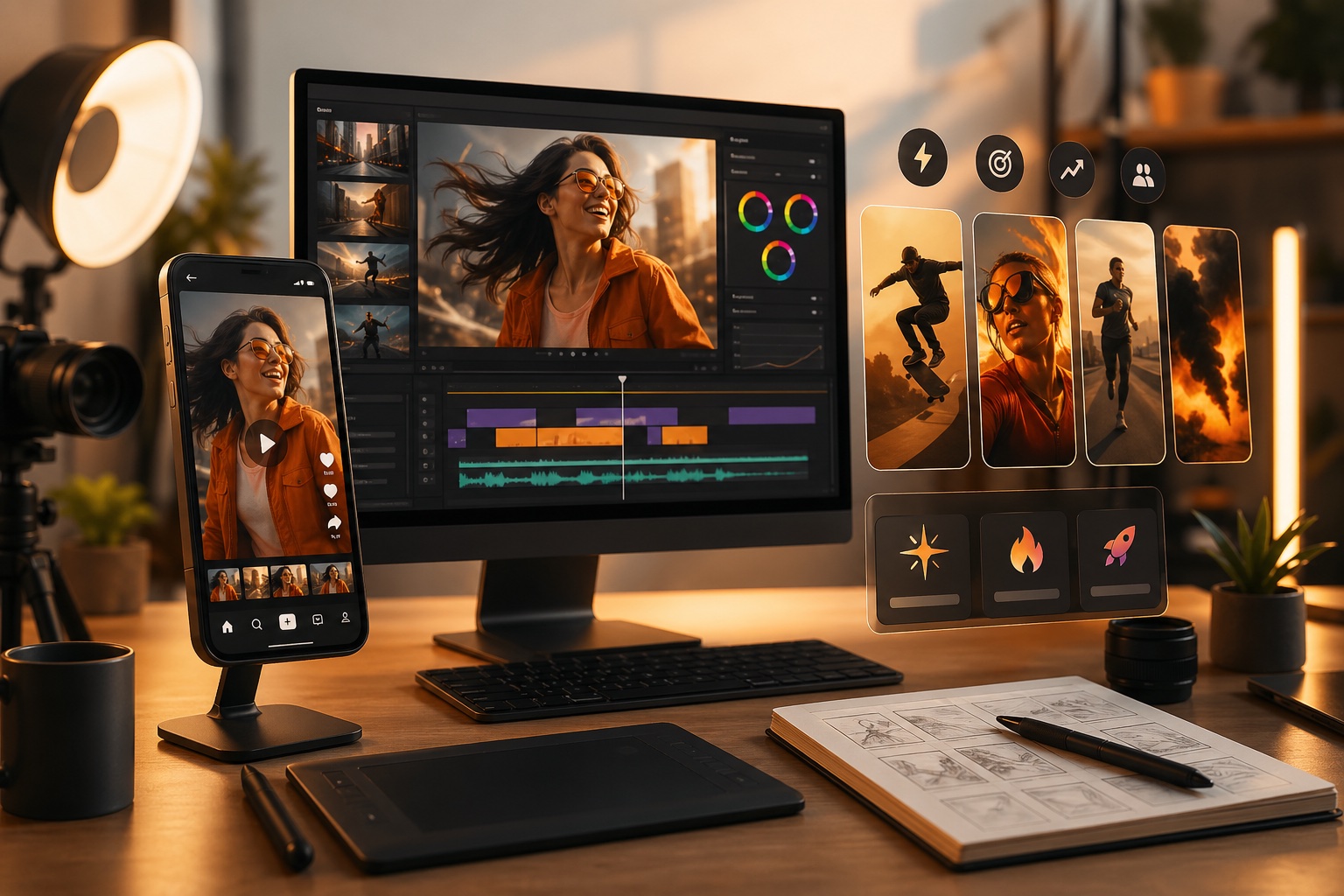
Draft reels, shorts, teasers, and visual hooks quickly when you need multiple directions before choosing what to publish.
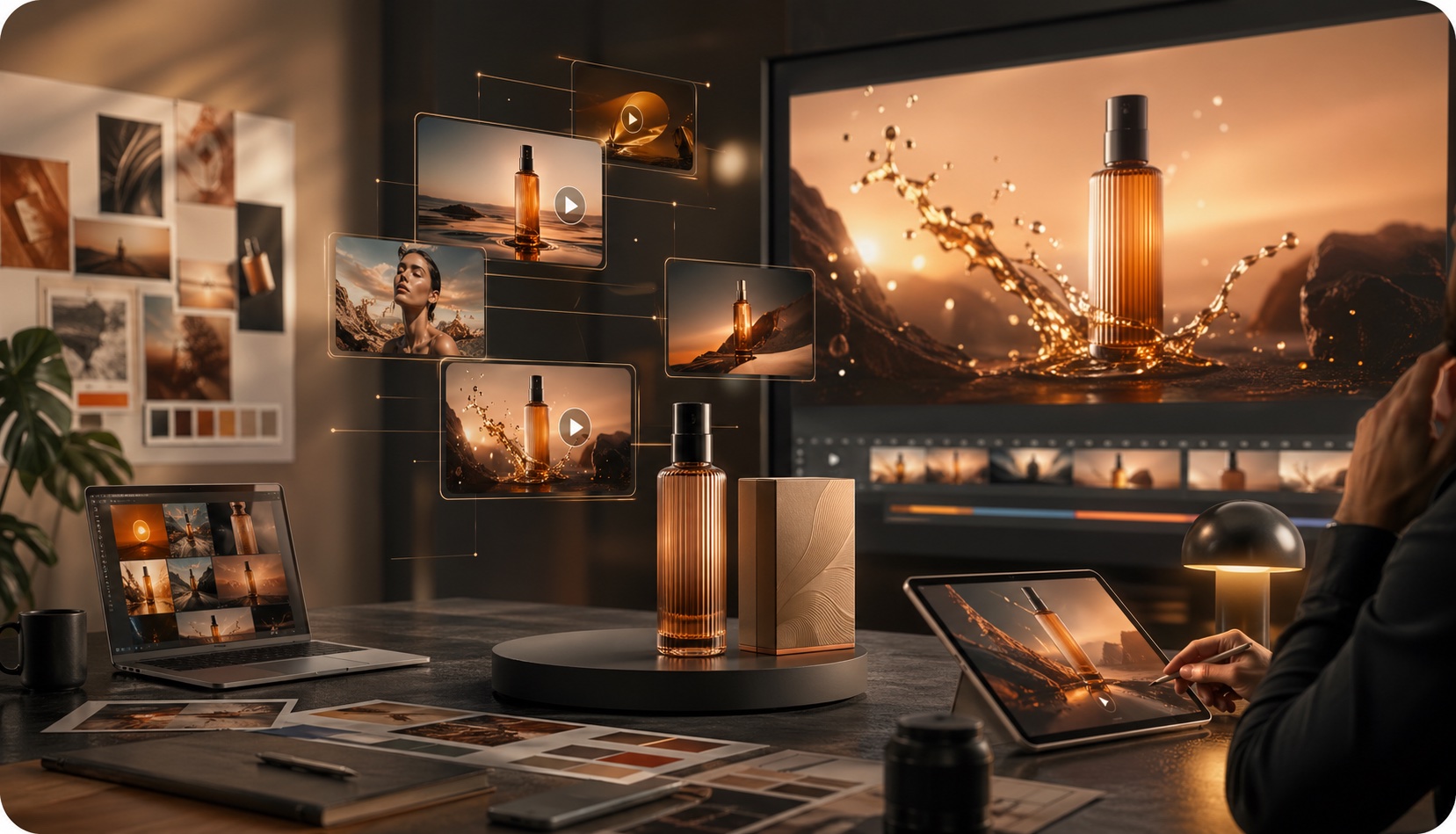
Animate product stills, concept frames, and campaign visuals into moving drafts that are easier to evaluate with stakeholders.
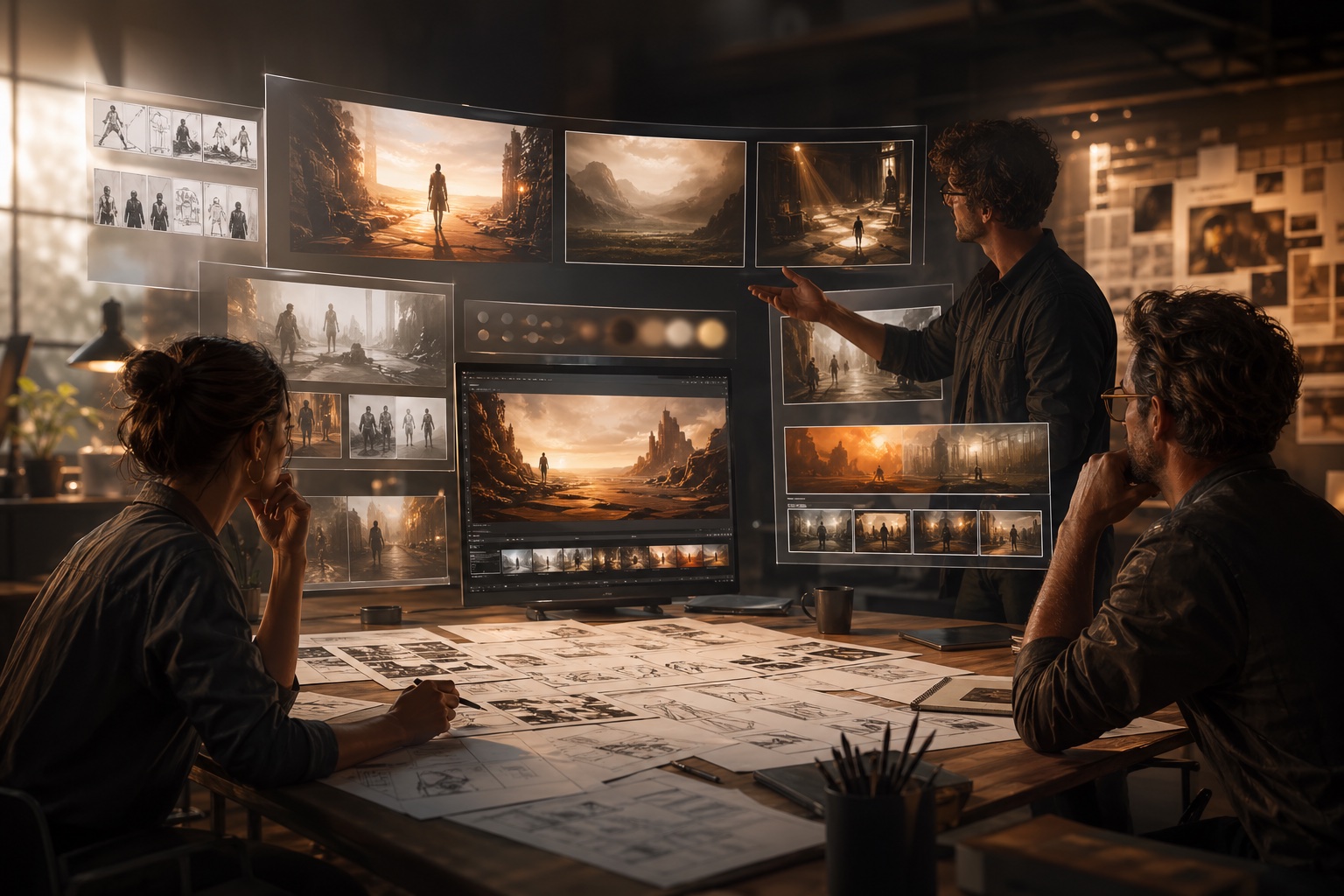
Turn rough ideas into viewable clips so directors, designers, and creative teams can compare framing, pacing, and atmosphere earlier.
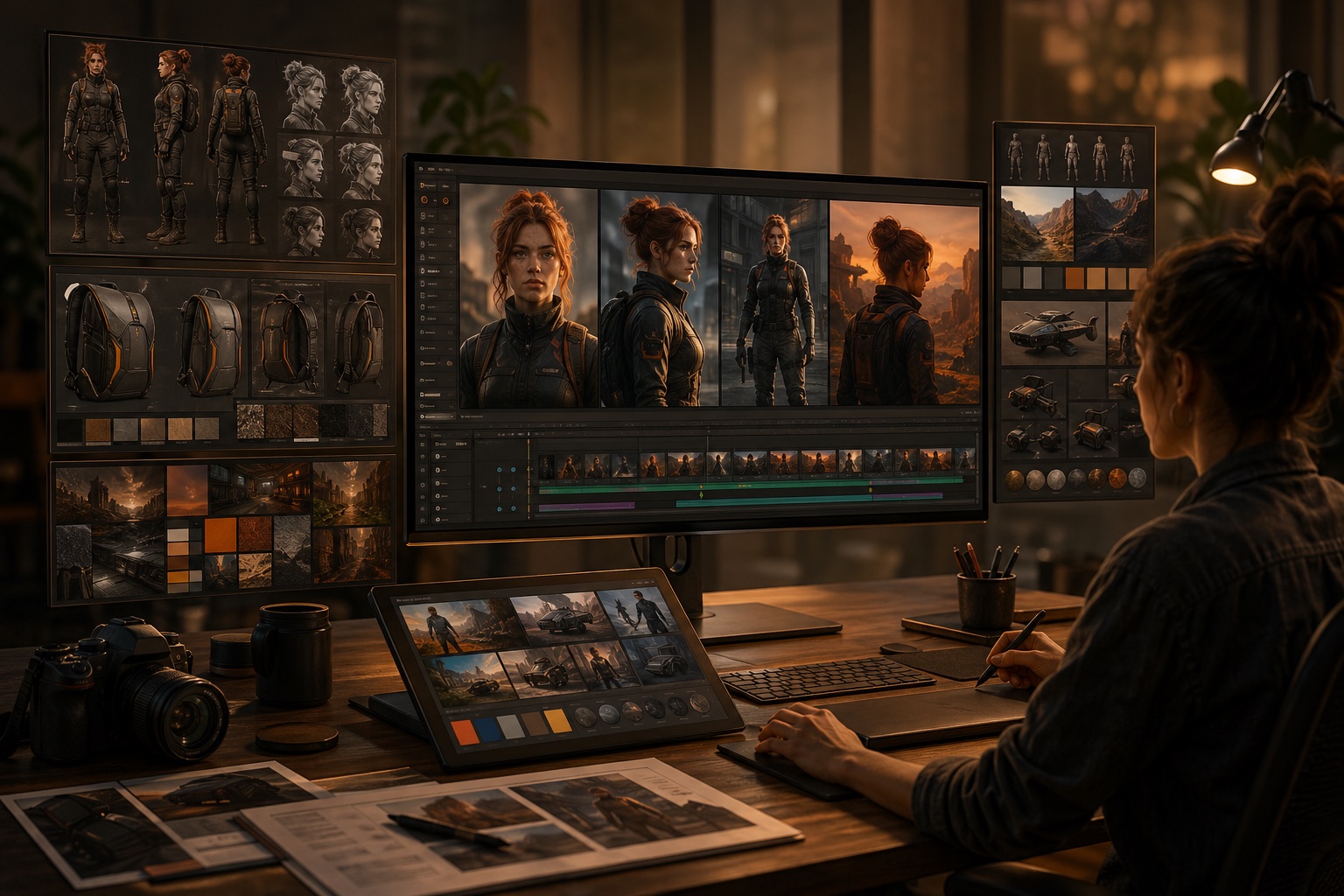
Use reference images and edit workflows when preserving identity, product shape, or style direction matters more than open-ended generation.
Use these guides when you want deeper comparisons, better prompting patterns, or a clearer view of where this AI video generator fits in the current market.
Learn which Happy Horse 1.1 page to use for text, image, and reference video workflows, with settings, prompt formulas, and examples.
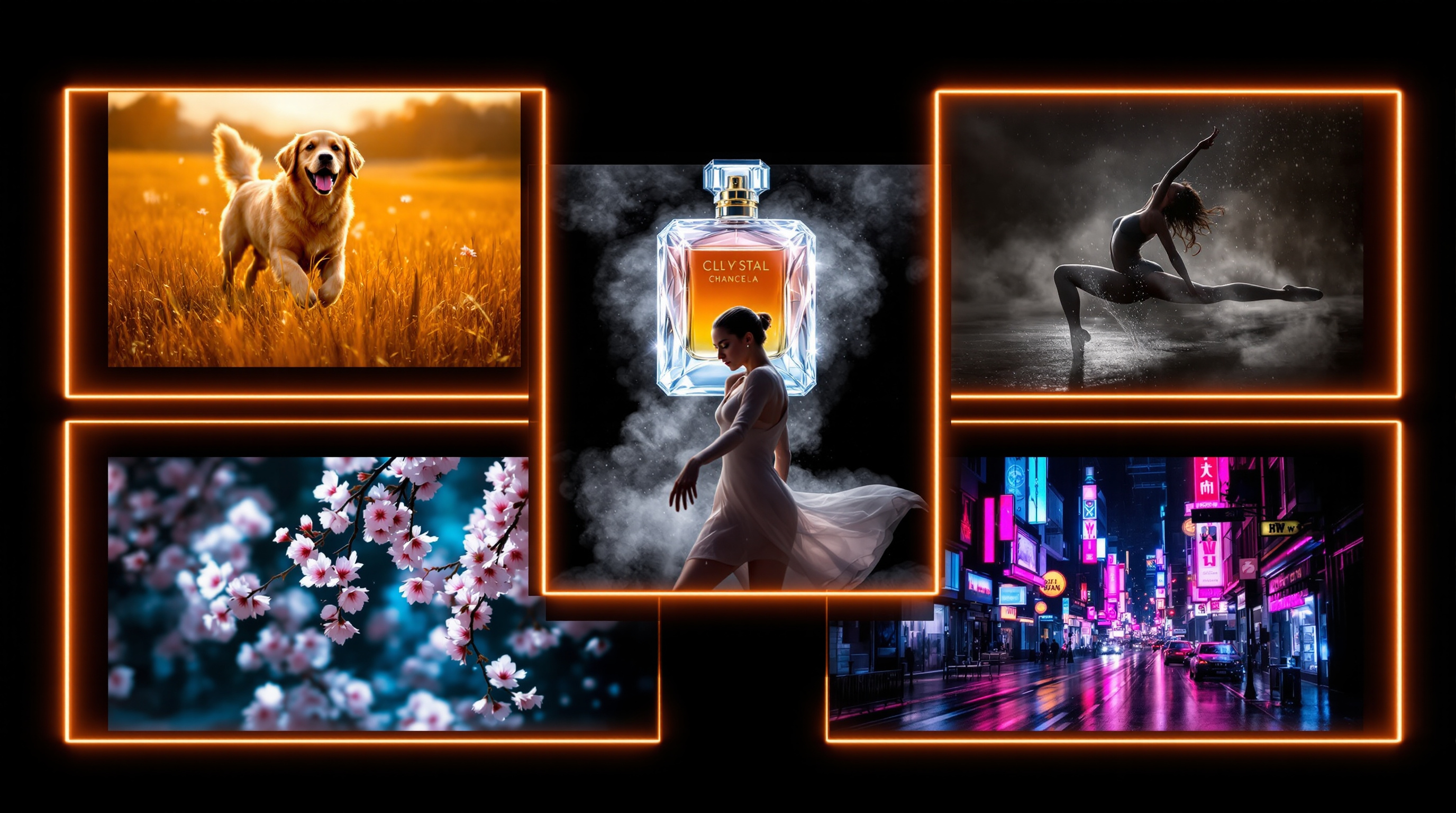
Use proven prompt patterns when you want stronger motion, framing, and scene direction from the first draft.
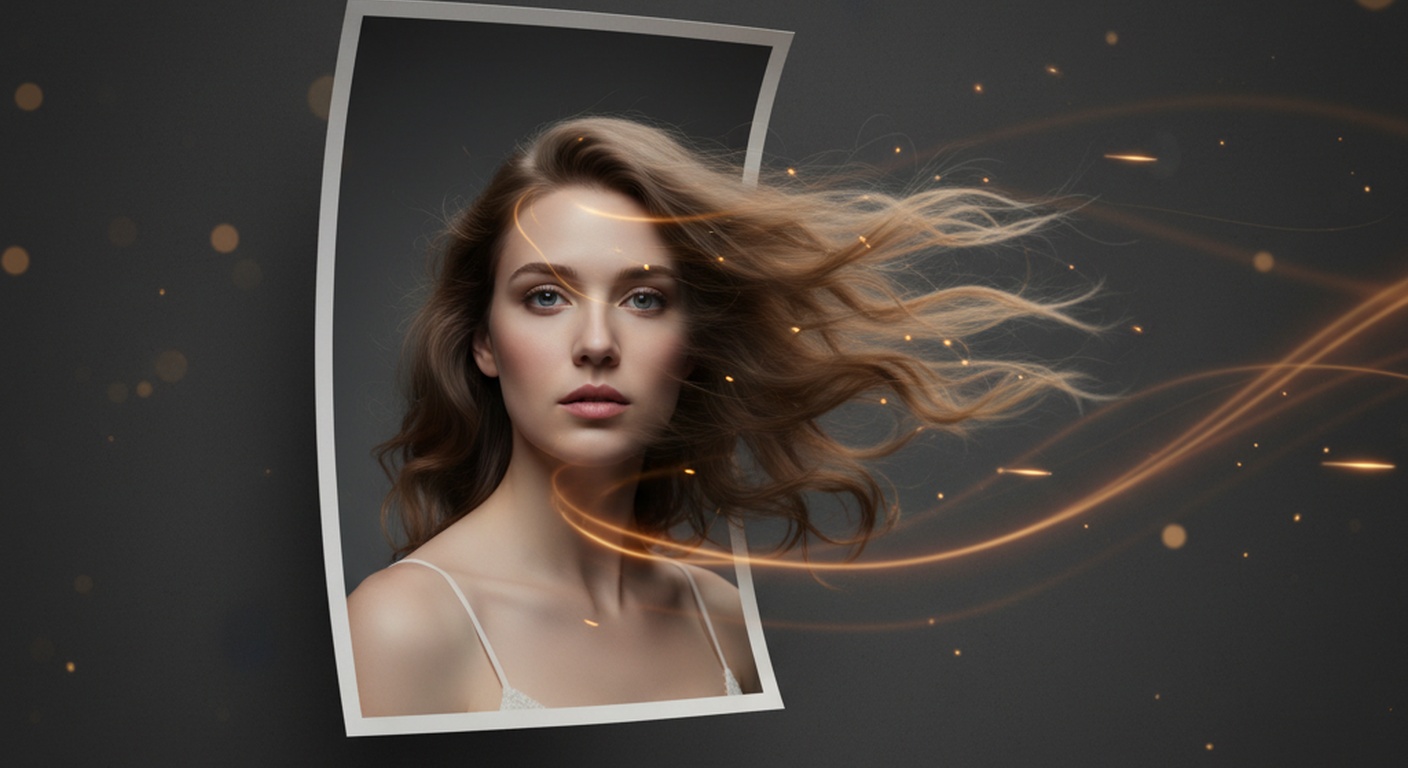
A practical guide to getting cleaner motion, better fidelity, and stronger results from image-to-video workflows.
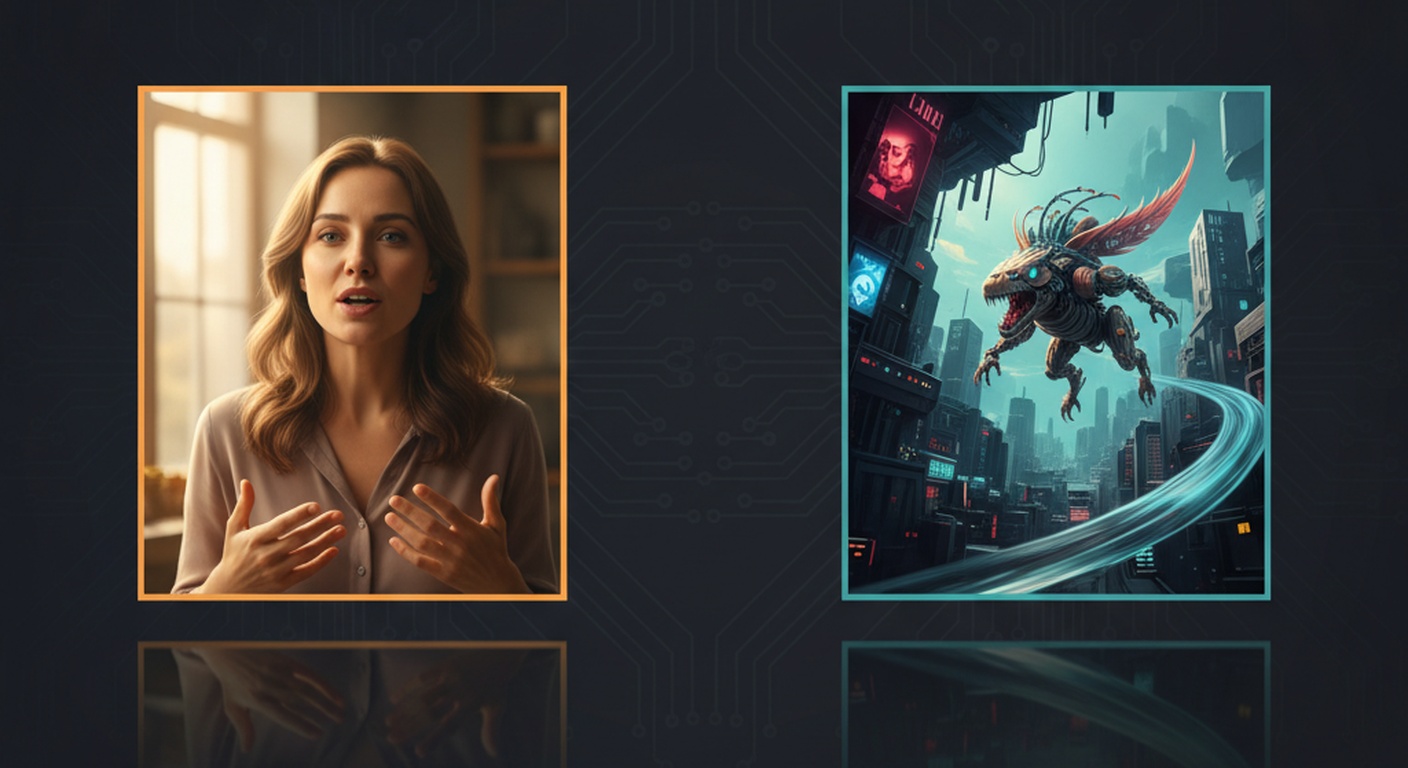
Understand the tradeoff between broad creator quality and multimodal, reference-heavy generation.
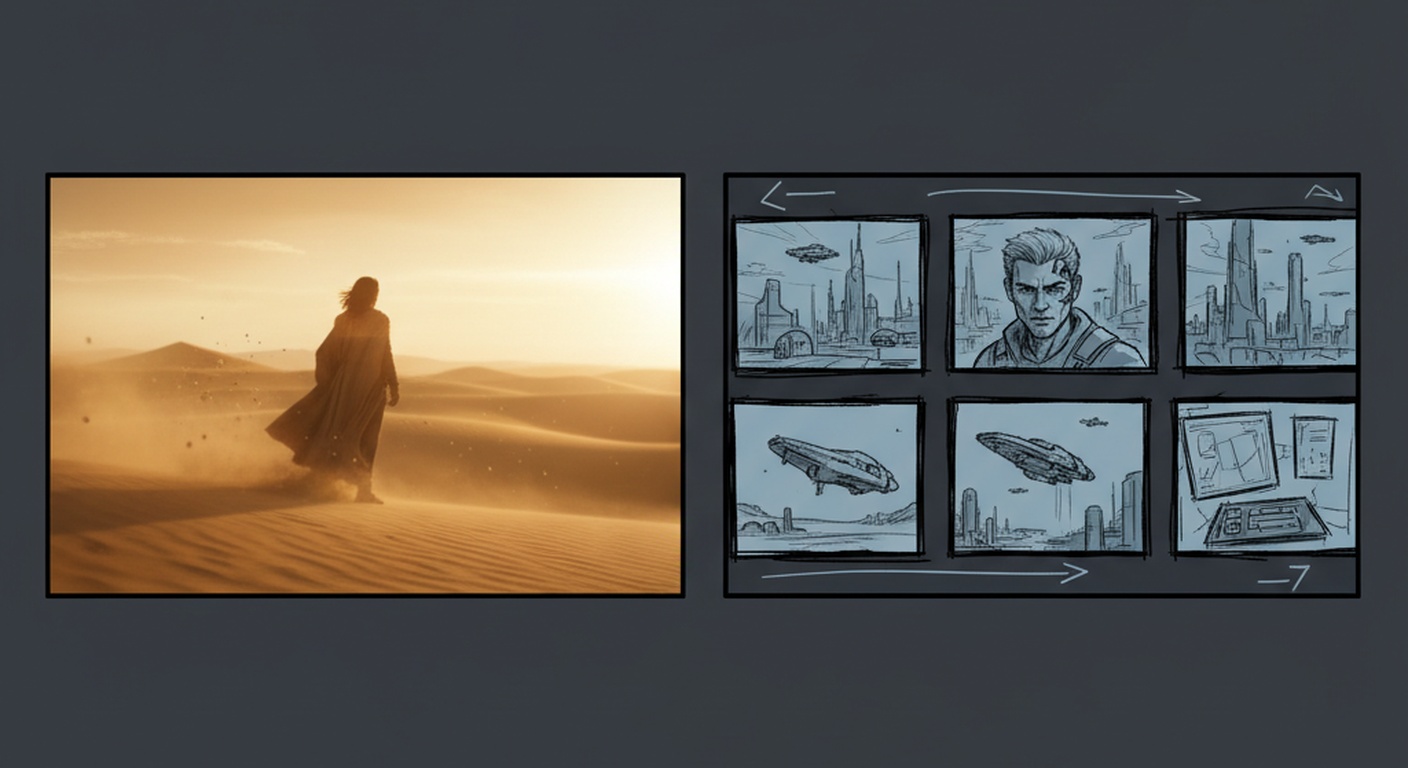
Compare creator quality, workflow fit, and product maturity when deciding between Happy Horse and Kling.
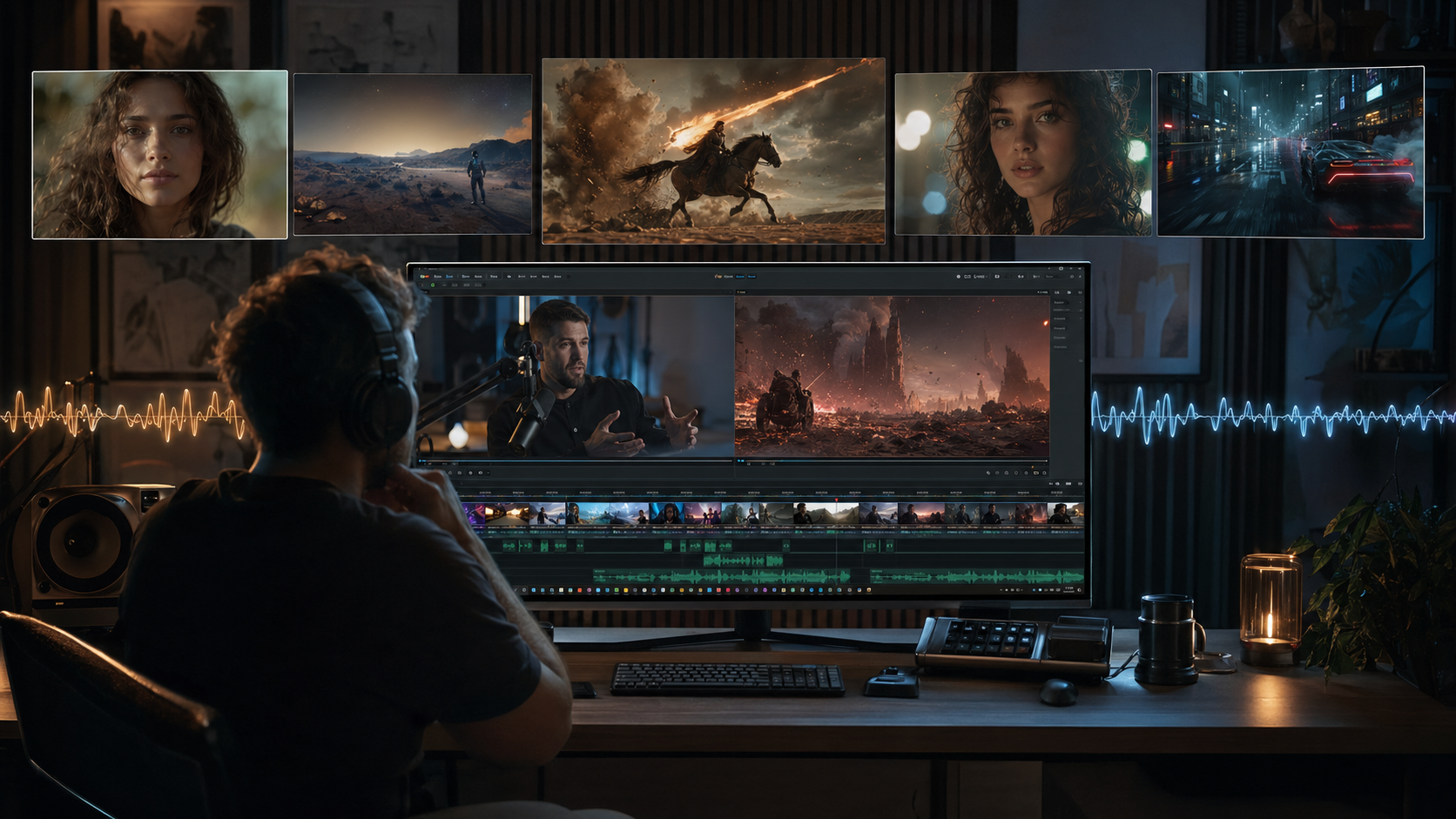
A creator-first ranking of the strongest current AI video tools, with position and workflow context.
The workflow is simple enough for a first draft and flexible enough for creators who need to iterate quickly.
Start from a text concept or bring in a still image when you already know the visual direction you want.
Pick text-to-video or image-to-video, then adjust duration, framing, resolution, and optional audio before you generate.
Review the rendered result, compare prompt directions, and keep iterating until the motion and composition feel right.
The biggest value is speed: people use it to turn ideas into testable video drafts before they commit more time and budget.
Maya R.
Short-form video creator
"It helps me test multiple scene directions for reels before I spend time editing a full version."
Chris W.
Indie filmmaker
"I use it to explore camera language and pacing ideas before deciding which shots are worth producing manually."
Grace H.
Brand designer
"We can turn still campaign art into moving concepts quickly enough to discuss direction in the same meeting."
Maya R.
Short-form video creator
"It helps me test multiple scene directions for reels before I spend time editing a full version."
Chris W.
Indie filmmaker
"I use it to explore camera language and pacing ideas before deciding which shots are worth producing manually."
Grace H.
Brand designer
"We can turn still campaign art into moving concepts quickly enough to discuss direction in the same meeting."
Daniel K.
Creative director
"We use it for fast visual mockups when we want to align on framing, motion, and mood early in a campaign."
Nina P.
Social content lead
"The workspace makes iteration easier because the latest render and recent history stay visible together."
Owen J.
Startup founder
"It shortens the path from idea to demo footage, which is perfect for product launches and landing page experiments."
Daniel K.
Creative director
"We use it for fast visual mockups when we want to align on framing, motion, and mood early in a campaign."
Nina P.
Social content lead
"The workspace makes iteration easier because the latest render and recent history stay visible together."
Owen J.
Startup founder
"It shortens the path from idea to demo footage, which is perfect for product launches and landing page experiments."
Alicia T.
Product marketer
"Image-to-video is especially useful for turning product visuals into motion concepts without rebuilding assets from scratch."
Leo S.
Motion designer
"It is useful for testing prompt phrasing and aspect ratio choices when a concept needs several platform versions."
Alicia T.
Product marketer
"Image-to-video is especially useful for turning product visuals into motion concepts without rebuilding assets from scratch."
Leo S.
Motion designer
"It is useful for testing prompt phrasing and aspect ratio choices when a concept needs several platform versions."
Common questions about workflows, inputs, and what this AI video generator is built to help you do.
An AI video generator helps you create videos from prompts, images, references, or existing footage without manually building every shot from scratch.
You can enter a text prompt, upload an image, add references, or start from an existing clip, then adjust model settings and render a video directly in the browser.
Text-to-video is best when you are starting from an idea or scene description. Image-to-video is better when you already have a visual reference you want to animate.
Yes. Reference-to-video workflows are useful when you need stronger consistency for characters, products, or overall visual direction.
Yes. The video edit workflow lets you upload an existing clip and describe what should change, stay the same, or be restyled.
Yes. You can choose supported aspect ratios and clip durations, and enable audio when the selected video model supports sound generation.
Yes. Completed renders can be previewed and downloaded directly from the generator workspace once processing finishes.
Rendering time can vary with queue load and output settings. You can safely leave the page and check progress later in My Creations.