
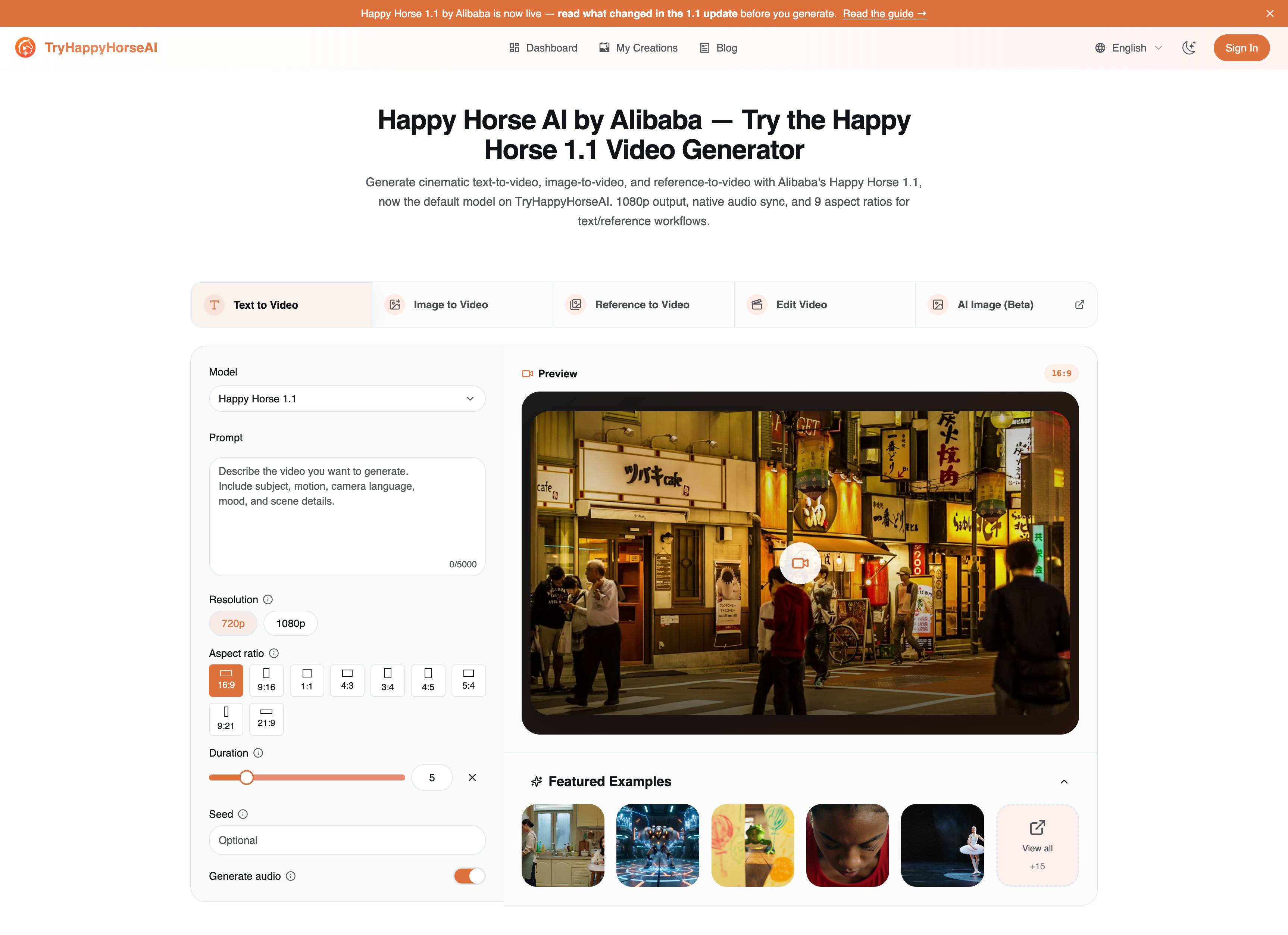
Happy Horse 1.1 Generator Guide
Text, image और reference-to-video workflows के लिए कौन-सा Happy Horse 1.1 page इस्तेमाल करना है, settings, prompt formulas और examples के साथ सीखें।
1.1 guide पढ़ें
एकाधिक मॉडल, लचीली फ्रेमिंग, वैकल्पिक ऑडियो और डाउनलोड करने योग्य HD आउटपुट के साथ टेक्स्ट प्रॉम्प्ट, स्थिर इमेज, रेफरेंस फ्रेम या मौजूदा क्लिप्स से AI वीडियो जेनरेट करें।
वह workflow चुनें जो आपकी source material से मेल खाता हो, चाहे आप किसी idea, still image, reference set, या ऐसे clip से शुरू कर रहे हों जिसे transform करना हो।
किसी लिखित scene, motion idea, या campaign concept को model-aware controls के साथ rendered video draft में बदलें।
एक still frame, product image, या concept art upload करें और visual direction को बनाए रखते हुए उसे motion में बदलें।
जब आपको generated shot में character, style, या product consistency अधिक मजबूत चाहिए हो, तब कई reference images का उपयोग करें।
मौजूदा video upload करें और बताएं कि क्या बदलना, बनाए रखना, या restyle करना है, बिना पूरे clip को शुरू से दोबारा बनाए।
हाल की सार्वजनिक जनरेशन का प्रीव्यू देखें, प्रभावी prompt पैटर्न का अध्ययन करें, और तैयार होने पर अपने वर्कफ़्लो में शुरू करें।
【场景】傍晚的厨房,油烟机低鸣,灶上汤在小火慢炖,蒸汽模糊了窗玻璃。 【主体】【母亲】背对镜头切菜,肩膀绷着;【女儿】坐在餐椅上抱着手机,眼睛没在看屏幕。 【运动】女儿张嘴说话时母亲刀没停;母亲回话时手慢了一秒;镜头从侧面静止凝视,两人始终没有对视。 【音频】[女儿,试探性,像扔一颗石子探水深]:"妈,我想换工作 。" [切菜声停了一拍又继续] [母亲,声音控制得很平]:"吃完饭再说。" [沉默,汤咕嘟一声] [女儿,更小声]:"你能不能先听我说完。" [切菜声停了。彻底停了。]
Futuristic cyberpunk arena combat. Interior arena with holographic crowd displays on towering screens. Electric blue and orange light grid on the floor. Floating observation platforms, metallic surfaces, energy crackling in the air. COMBATANTS: Mech Fighter in reinforced exosuit with glowing orange power nodes, heavyweight; Agility Specialist in lightweight carbon-fiber bodysuit with cyan energy gauntlets, small frame, extremely fast. HOOK: Mech Fighter slams both fists into the arena floor—shockwave cracks the light grid in a spiderweb pattern. Energy sparks across the surface. Camera whip-pans: Agility Specialist launches off the floor with a backflip, landing in low ready stance fifteen meters away. Orange eyes from the exosuit lock onto them. EXCHANGE 1: Mech Fighter charges with a massive straight right punch. Specialist sidesteps precisely, the fist craters the arena wall. Specialist fires three rapid left jabs to Mech Fighter's helmet—cyan energy burn marks left on impact. EXCHANGE 2: Specialist circles in quick arcs, throwing rapid combinations from different angles before repositioning. Mech Fighter swings wide haymakers that Specialist slides beneath. Cyan energy gauntlets leave glowing trails in the air. ESCALATION: Mech Fighter activates power surge—orange nodes pulse bright, moves faster. Specialist forced into shorter circles. Three rapid exchanges: sparks fly from each gauntlet-on-exosuit clash. Arena floor pockmarked with craters. CLIMAX: Mech Fighter feints left, pivots right—catches Specialist mid-repositioning with a backhand. Specialist flies airborne, crosses both arms, cyan energy concentrates between gauntlets. They release a compressed blast on impact with Mech Fighter's chest—massive energy explosion. Both thrown in opposite directions. RESOLUTION: Both slowly rise. Mech Fighter's nodes flickering. Specialist's gauntlets dimmed. They face each other across the damaged arena floor. Holographic crowd goes wild. No subtitles. Neon cyberpunk palette, energy VFX trails, 24fps.
15 秒六一怀旧主题短片,FPV 第一人称超低机位飞行视角,一镜到底流畅运镜,整体为 80、90 年代复古家庭场景,暖金色胶片质感,自带胶片颗粒与柔和体积光,阳光透过老式木窗洒落,空气中浮起细碎尘埃,氛围感温暖治愈,满是六一欢乐气息。 镜头开篇从泛黄的儿童节贺卡中冲出,极速闯入巨型童年玩具奇幻世界。0-2 秒贴地高速前行,巨型绿色铁皮青蛙弹跃而起,从镜头上方掠过,镜头顺势从下方穿过,金属表面映出明亮光斑,伴随清脆弹簧声响。2-4 秒驶入巨型红蓝四驱车赛道,四驱车轰鸣疾驰,镜头紧贴赛道穿梭弯道、飞跃跳台,从车底穿行而过,轮胎扬起缤纷彩屑。 4-5 秒行至巨型红白条纹不倒翁前,顺着它摇摆的缝隙快速穿过,耳畔响起清脆铃铛声。5-7 秒进入客厅地毯区域,巨型玻璃弹珠滚动而来,球面折射出斑斓彩虹,镜头环绕弹珠飞行,俯冲穿过错落排布的弹珠迷宫。7-8 秒彩色溜溜球凌空落下,高速旋转形成圆形光轮,镜头沿绳盘旋上升,在中心完成 360° 环绕。 8-9 秒轻柔穿过飘动的彩色鸡毛毽子,羽毛轻擦镜头,尽显柔软童趣。9-10 秒冲向巨型小霸王游戏机,径直飞入亮起 8-bit 像素画面的屏幕,穿梭在金币、蘑菇与像素方块之间。10-11 秒场景切换至电子宠物机内部,围绕活泼跳跃的电子宠物旋转,像素爱心与彩星不断迸发。 11-12 秒穿越展开的巨型折纸 “东南西北”,在翻折变幻的纸质隧道中穿行。12-13 秒闯入文具王国,彩色蜡笔林立如楼宇,变形文具盒化作机械城堡,尺子、橡皮、铅笔构筑成趣味都市,镜头高速穿梭其间。13-14 秒跃上驶来的红色儿童三轮车车把,随车辆驰骋整片玩具天地,各类玩具相映成趣。 14-15 秒镜头腾空拉升,全景俯瞰整片世界,所有经典玩具错落组合成巨型 “61” 造型,彩纸漫天飞舞,金色柔光笼罩全场。全片采用电影级 FPV 运镜,节奏层层递进,玩具材质真实细腻,画面 8K 超高清,皮克斯动画质感,怀旧氛围感拉满,兼具想象力、情绪感染力与六一节日仪式感。
镜头 1:极致特写 女子短跑运动员蹲在起跑器预备姿态,脸部极致特写。她缓缓抬头,目光死死锁定终点线,眼神紧绷、专注力如激光般锐利。 赛场电影感聚光灯打在皮肤上,肤质超写实,清晰可见细密毛孔、细微肌肤肌理,几缕发丝被微风轻轻吹动。 镜头 2:顺滑镜头后拉 镜头流畅无痕向后拉远,平稳过渡至紧凑中景。镜头顺着她的手臂向下平移,露出紧扣粗糙红色塑胶跑道的双手,指尖沾有淡淡的白色滑石粉。 画面自然还原她的呼吸起伏与紧绷蓄力的肌肉状态,无任何画面形变失真。 镜头 3:动感低角度全景 精准利落切镜,转为极具张力的低角度大全景:她完全俯身蹲伏在起跑器上,蓄势待发、随时向前冲刺。 背景虚化的赛场灯光形成漂亮柔和的光晕散景。 全程人物形象统一、形体结构连贯,剪辑节奏专业工整。
A professional ballet dancer performs a powerful grand jeté leap across a dimly lit stage, arms outstretched, legs split perfectly in mid-air. The camera follows her in slow motion as she spins into a series of rapid fouettés, tutu flowing dramatically. Spotlights cast long shadows. Cinematic, full-body shot, 10 seconds, ultra HD, dynamic motion blur.
【核心逻辑:因果动作链条】 1. 起手冲突:女主角(女学生)被逼至死角。一号对手挥右拳猛冲上前。 2. 顺势借力应对:女主并非单纯躲闪,而是借对手冲势反击。她向左侧横移,攥住一号对手手腕顺势拉扯,使其重心失衡;自身随拉扯力道转身,借离心力带动全身。 3. 环境联动交互:旋转过程中,她的脚踢到一旁松动的椅腿。椅子顺着地面滑出(可清晰看见地面摩擦痕迹),绊倒正要冲上来的二号对手。 4. 动作连贯转场:旋转动作持续进行,她松开一号对手,对方径直撞在课桌之上(木桌开裂、纸张四散纷飞)。惯性带着女主向前,从课桌上方腾空翻越(跑酷式越障动作)。 5. 落地蓄力待命:她蹲姿落在课桌另一侧,卸去落地冲击力。三号对手见状迟疑不前。女主平稳起身,准备迎接下一轮对峙。 备注:所有动作都要有清晰物理成因。禁止浮空效果,无减速缓冲的骤然骤停一律不允许。 【视觉风格与镜头同步设计】 整体风格:粗粝写实风,院线大制作动作片质感。自然光环境,空气中可见漂浮尘埃、人物汗珠、各类陈旧磨损材质纹理。 镜头设定:镜头如同现场真实参与者,跟随动作同步运动。 ● 拉扯一号对手转身时,镜头快速向左甩动,跟随旋转轨迹; ● 椅子滑动瞬间,镜头向下倾斜,追踪障碍物动向; ● 女主翻越课桌腾空时,摄像升降机快速抬升,贴合人物垂直起跳高度; ● 手持镜头抖动幅度与撞击力道强弱匹配; ● 前景遮挡效果:课桌、手臂会间歇性短暂挡住镜头,强化画面纵深感与打斗混乱氛围。 【人物与场景细节设定】 主角:身手灵活,身着标准日式高中校服(西装外套配百褶裙 / 运动套装),头发扎起但打斗中逐渐松散。所有动作落地扎实,脚部始终与地面产生摩擦交互。 敌方角色:三名攻击性男性,受创、失衡时反应符合现实人体规律(踉跄、手臂胡乱挥舞)。 场景:杂乱教室。课桌厚重扎实,不会像纸片一样轻易掀飞;人物动作搅动气流,带动纸张在空中盘旋;阳光投射出动态光影,光影随人物移动同步变化。 【负面限定词(逻辑约束)】 禁止瞬移;无重心切换的瞬间变向;四肢浮空;敌人受击后僵立不动;魔法特效;无特殊标注不得使用慢镜头;静止不变的背景;重复循环动作;高速动作下人体结构扭曲;模型穿模穿透物体。
【第1段:0 - 3秒】匠人问诊 (The Weaver's consultation) 提示词: 电影级微缩慢动作,高仿真定格动画质感。绸缎上的微缩手办人儿开始活动。一位身着褐衣的微缩长者缓缓展开手中的微型图纸,指向凤凰头部旁的破损边缘。旁边的蓝衣匠人微微俯身,用极细小的工具轻轻拨动起一根断开的金丝线,眼神专致。背景中的宫殿柔和虚化。无特效。 【第2段:3 - 6秒】金针度人 (The Golden Stitch) 提示词: 极限微距特写慢镜头。镜头聚焦于凤凰羽翼的破损处。一个微缩匠人的双手合力,极其平缓地将一根纤细的金色丝线拉过破损的绸缎孔洞。画面极其细腻地呈现出丝织物表面的反光、刺绣牡丹花瓣的凹凸针脚质感,以及丝线穿过织物时的物理拉扯张力。 【第3段:6 - 10秒】锦绣乾坤 (The Grand Heritage) 提示词: 镜头慢速后拉并徐徐仰拍。数位微缩匠人在精美的刺绣织锦上各司其职,专心致志地穿针引线。微风吹过,刺绣绸缎泛起极其轻柔的波澜。随着镜头抬高,背景中宏伟庄严、沐浴在和煦日光下的大殿清晰呈现,画面在宏大建筑与微观匠心的极致对比中定格。无文字。
轻奢香水 Happyhorse 意识流视觉短片。主题是法式郊野的松弛夏日回忆。场景融入多样法式田园意象。无完整叙事,模拟香气唤醒回忆、又随风飘散的感觉,剪辑节奏碎片化,贴合回忆氛围感。运镜灵动富有想象力,镜头虚实交错、灵动游走。
【第1段:0 - 3秒】颔首致意 (The Polite Response) 提示词: 电影级慢动作,古装历史大片风。男子微笑着向女子举杯致意,眼神诚恳。女子微微颔首,嘴角带着礼貌而含蓄的微笑,双手优雅地交叠在桌旁。背景的古代酒楼食客微动,温暖的灯笼光影柔和。无任何特效与对话。 【第2段:3 - 6秒】执壶温茶 (The Graceful Pour) 提示词: 中特写慢镜头。女子收回目光,伸出纤纤细指提起桌上的青瓷茶壶,优雅地为自己斟茶。紫色真丝衣袖在深色木桌上轻轻拂过,日光照亮茶水倾泻的细腻水流与杯中泛起的微澜。 【第3段:6 - 10秒】市井烟火 (Atmospheric Tavern) 提示词: 镜头慢速后拉。展现整间古朴、充满烟火气的古代酒家,背景中悬挂的纸灯笼随风极轻微地晃动。女子端起茶杯与男子相视,画面在充满故事感与静谧的市井氛围中定格。无文字。
image1 and image2 are fighting fiercely with each other with bare hands on a roof in ancient China, with very fast pace.
The princess image2 was imprisoned in bedroom and be threaten by the dragon man image1. They had a long dialogue.
幸福→得意→沉思→委屈→释怀→意难平 00:00 - 00:02:女孩正沉浸在美好的回忆中,面部肌肉放松,眼神温柔且闪烁着柔和的光芒,嘴角挂着由内而外、抑制不住的甜美微笑。电影感冷调色彩,浅景深唯美柔焦背景,极具感染力的幸福神情。 00:02 - 00:04:女孩神情带着少女特有的俏皮与窃喜。她的嘴角微微上扬,形成一个略带撒娇的弧度,眼神微微闪烁。眼神灵动,细腻的微表情完美展现出少女情窦初开时的得意与小雀跃。 00:04 - 00:06:女孩的笑容逐渐从脸上消失,整个人瞬间安静下来。她缓缓低下头,目光垂落,视线失去焦点。她的神色变得落寞而深沉,仿佛瞬间屏蔽了周围喧闹的人群,坠入了自己的内心世界,在理性地梳理和权衡复杂的思绪。 00:06 - 00:08:女孩低着头,呼吸显得有些沉重。她的面部肌肉微微紧绷,嘴唇用力抿起,暴露了内心的隐忍。她的眼神中闪过一丝脆弱、无助与不被理解的难过,泪水仿佛在眼眶里打转却强行克制。极其细腻的面部微表情,完美诠释不愿被人看穿的隐忍委屈。 00:09 - 00:11:女孩微微做了一个深呼吸,缓缓抬起头重新望向远方。随着抬头的动作,她原本沉重、纠结的神色消散,眼神重新变得清澈、平静与释然。 00:12 - 00:15:女孩看着斜上方,她的嘴角勉强牵起了一抹淡淡的、体面的微笑,试图表现得若无其事。然而,她的眼睛里却空落落的,盛满了无尽的眷恋、遗憾与不舍。
यह workflow creators को concept से usable footage तक तेज़ी से पहुंचने में मदद करने के लिए बनाया गया है, साथ ही इतना control देता है कि वे page छोड़े बिना iterate कर सकें।
जब आप किसी actual rendered clip में pacing, motion, framing, और atmosphere देख सकते हैं, तब किसी prompt का मूल्यांकन करना कहीं आसान हो जाता है।
Image-to-video तब उपयोगी होता है जब आपके पास पहले से कोई frame, product render, character concept, या campaign visual हो और आप जल्दी से motion जोड़ना चाहते हों।
आप prompt phrasing, duration, और aspect ratio के अलग-अलग versions को test करके तय कर सकते हैं कि किस direction पर अधिक मेहनत वाला production pass किया जाना चाहिए।
क्योंकि history और latest result जुड़े रहते हैं, momentum बनाए रखना और जो पहले से काम कर चुका है उसका फिर से उपयोग करना आसान हो जाता है।
अगर featured examples आपकी direction के काफ़ी करीब लगते हैं, तो generator पर वापस जाएं और कुछ ही steps में अपना clip बनाएं।
लचीले इनपुट, मॉडल-अनुकूल नियंत्रण, और पुनरावृत्ति के लिए डिज़ाइन किए गए वर्कस्पेस के साथ वीडियो कॉन्सेप्ट तेज़ी से बनाएँ।
जिस विषय, गति, कैमरा एंगल, मूड और दृश्य विवरण की आपको आवश्यकता है, उसका वर्णन करें, फिर सीधे प्रॉम्प्ट से वीडियो ड्राफ्ट जनरेट करें।
एक स्थिर छवि अपलोड करें और उसे गति में बदलें, जबकि मूल दृश्य दिशा को शुरुआती बिंदु के रूप में बनाए रखें।
जब आपको परिणाम में शैली, पहचान, या उत्पाद की एकरूपता पर अधिक नियंत्रण चाहिए, तब रेफ़रेंस फ़्रेम जोड़ें।
मौजूदा क्लिप से शुरू करें और अपने बताए गए बदलाव के आधार पर उसका संपादित संस्करण जनरेट करें।
वीडियो जहाँ प्रकाशित होगा, उसके अनुसार वर्टिकल, स्क्वायर और वाइडस्क्रीन आउटपुट के लिए सामान्य आस्पेक्ट रेशियो के बीच स्विच करें।
गति, लागत और दृश्य गुणवत्ता के संतुलन के लिए क्लिप की लंबाई, आउटपुट क्वालिटी और अन्य जनरेशन सेटिंग्स समायोजित करें।
अपने वर्कफ़्लो के अनुरूप मॉडल सेटअप चुनें, फिर उसी विकल्प के अनुसार प्रॉम्प्ट, इनपुट और आउटपुट हैंडलिंग को संरेखित रखें।
नवीनतम रेंडरिंग कार्य को ट्रैक करें, हालिया परिणाम फिर से खोलें, और दूसरी स्क्रीन पर जाए बिना तैयार क्लिप डाउनलोड करें।
तैयार क्लिप को MP4 में डाउनलोड करें या सीधे अपने चैनलों पर शेयर करें, ताकि रेंडर पूरा होते ही वीडियो पब्लिश के लिए तैयार हो।
सबसे प्रभावी वर्कफ़्लो आमतौर पर एक स्पष्ट काम से शुरू होते हैं जिसे पूरा करना हो। यहाँ वे सामान्य परिदृश्य हैं जिनके समर्थन के लिए यह पेज बनाया गया है।
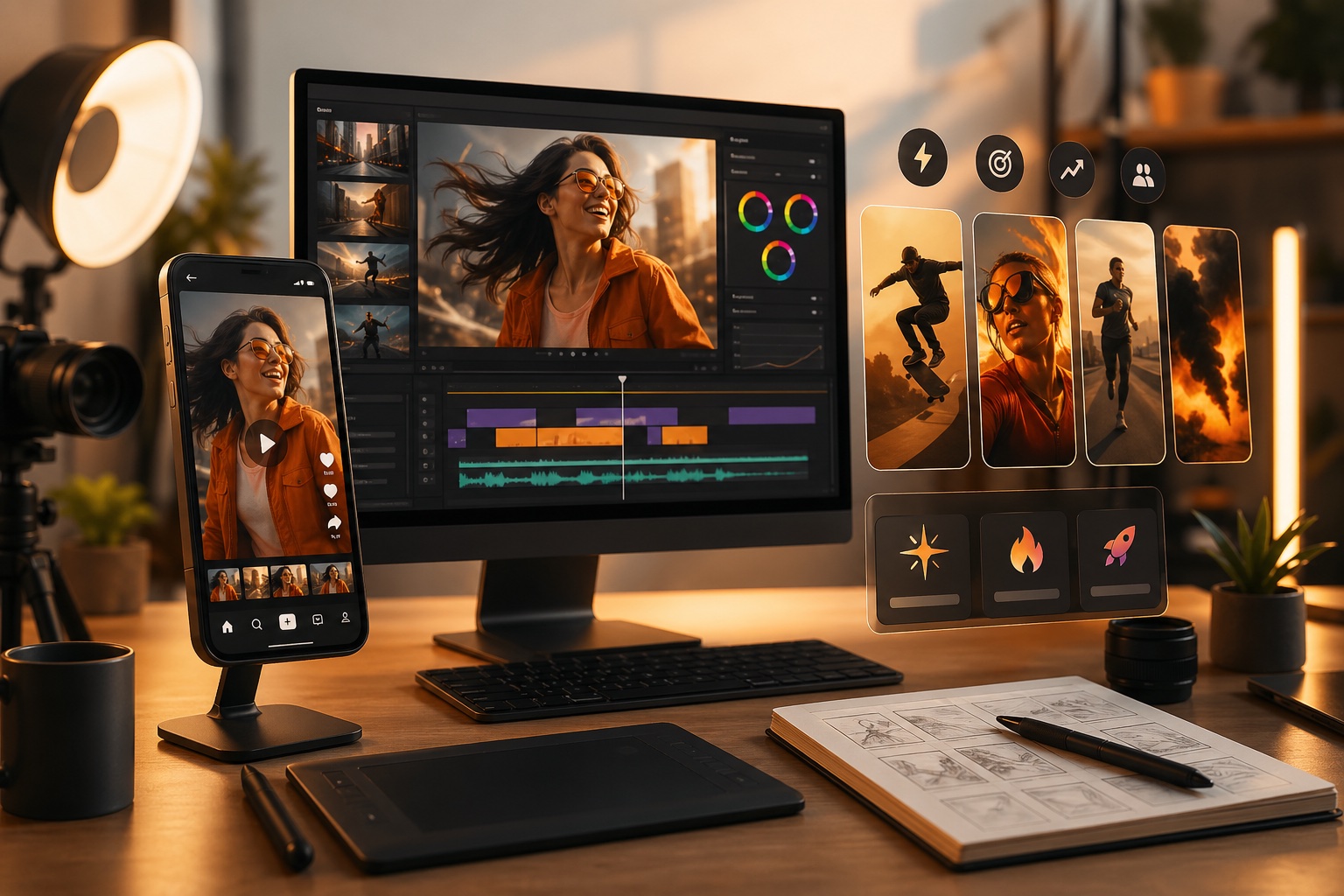
जब प्रकाशित करने से पहले कई दिशाओं की आवश्यकता हो, तब reels, shorts, teaser, और विज़ुअल हुक्स के ड्राफ्ट जल्दी तैयार करें।
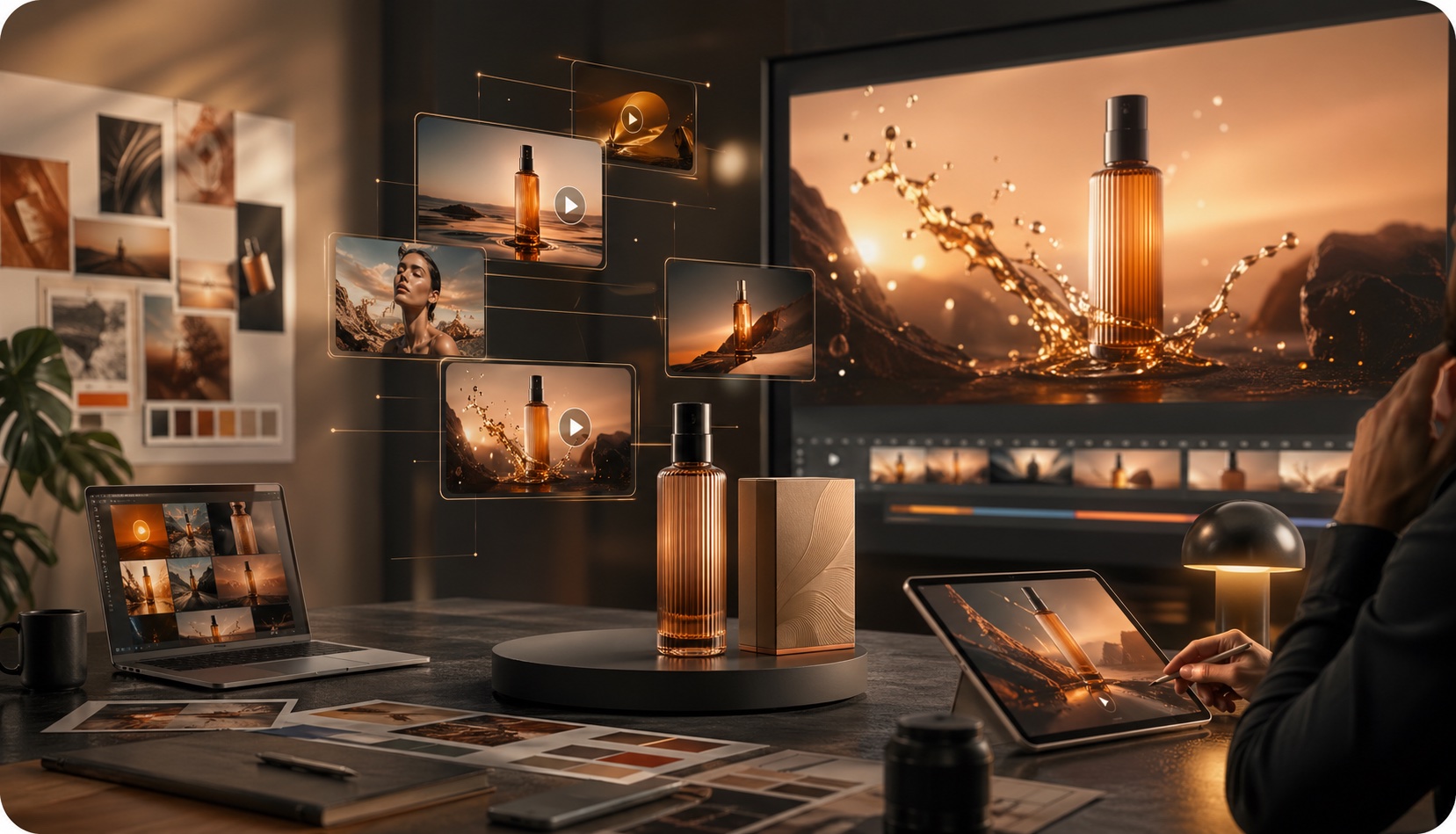
प्रोडक्ट स्टिल्स, कॉन्सेप्ट फ़्रेम्स और कैंपेन विज़ुअल्स को चलती हुई ड्राफ्ट्स में बदलें, जिन्हें स्टेकहोल्डर्स के साथ आकलित करना आसान हो।
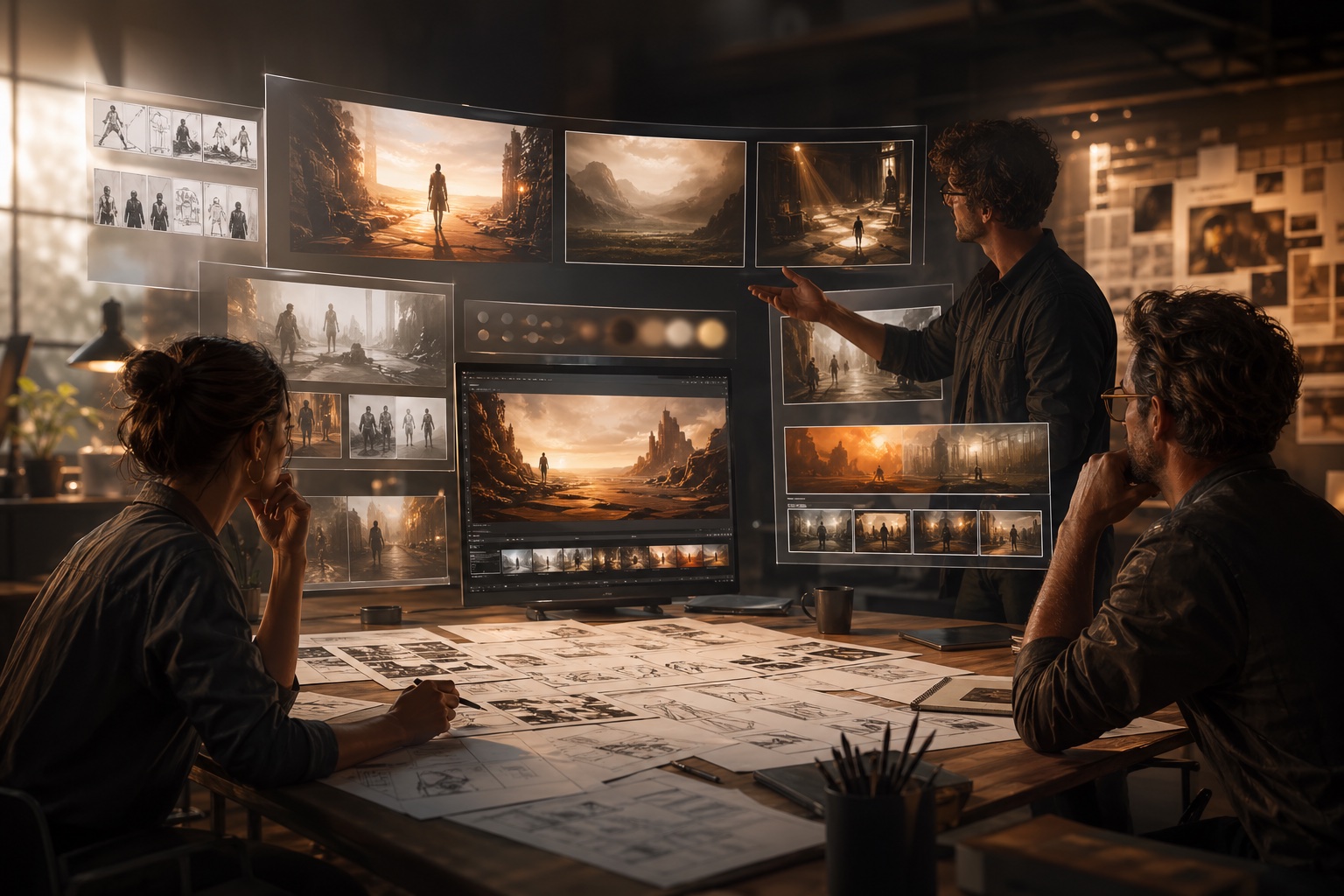
रफ आइडियाज़ को देखने योग्य क्लिप्स में बदलें, ताकि डायरेक्टर्स, डिज़ाइनर्स और क्रिएटिव टीमें फ़्रेमिंग, पेसिंग और माहौल की तुलना पहले ही कर सकें।
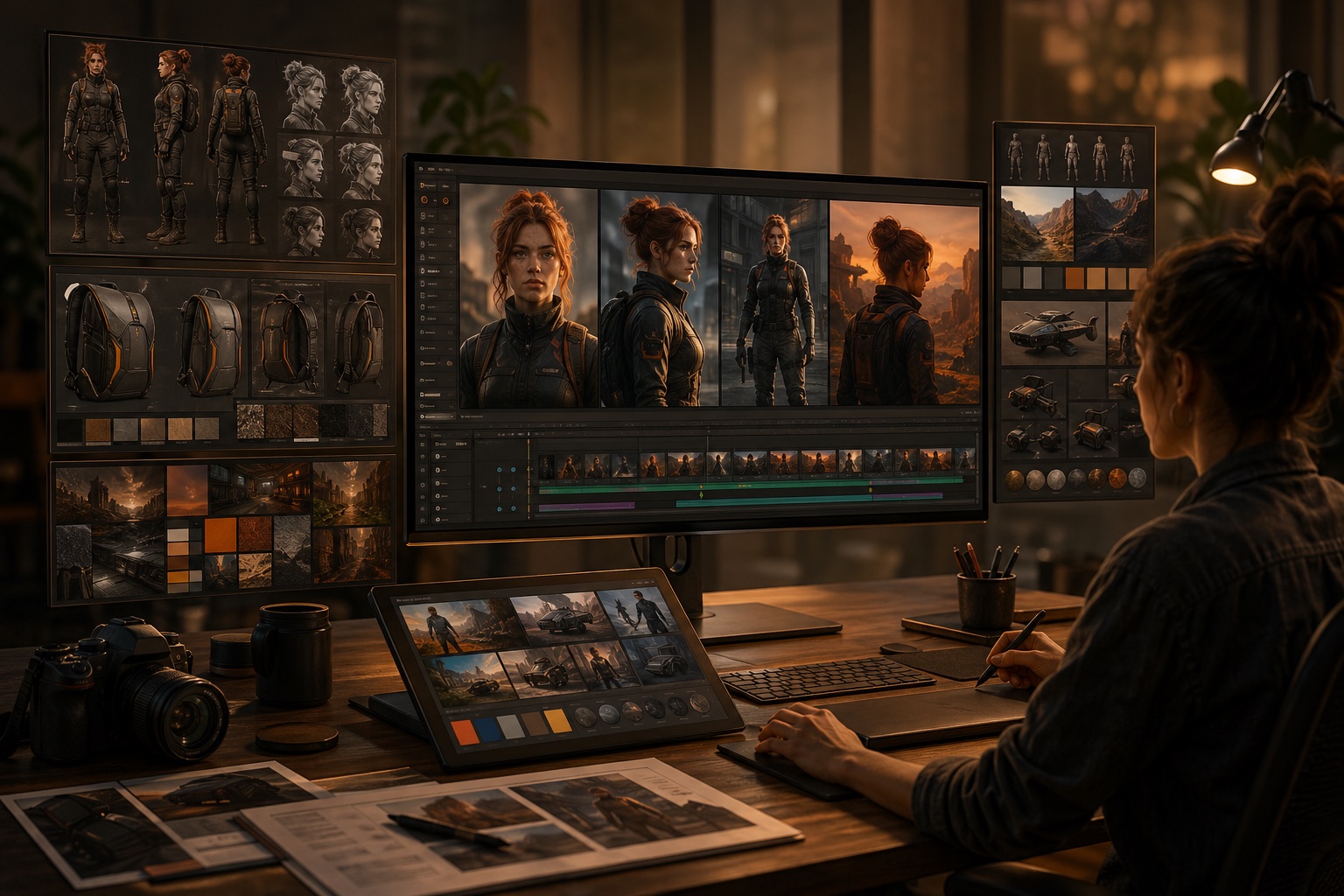
जब पहचान, प्रोडक्ट के आकार या स्टाइल दिशा को बनाए रखना ओपन-एंडेड जेनरेशन से अधिक महत्वपूर्ण हो, तब रेफ़रेंस इमेजेज और एडिट वर्कफ़्लोज़ का उपयोग करें।
जब आपको गहरी तुलना, बेहतर प्रॉम्प्टिंग पैटर्न्स, या यह AI वीडियो जेनरेटर मौजूदा बाज़ार में कहाँ फिट बैठता है, इसका अधिक स्पष्ट दृष्टिकोण चाहिए, तब इन गाइड्स का उपयोग करें।
Text, image और reference-to-video workflows के लिए कौन-सा Happy Horse 1.1 page इस्तेमाल करना है, settings, prompt formulas और examples के साथ सीखें।
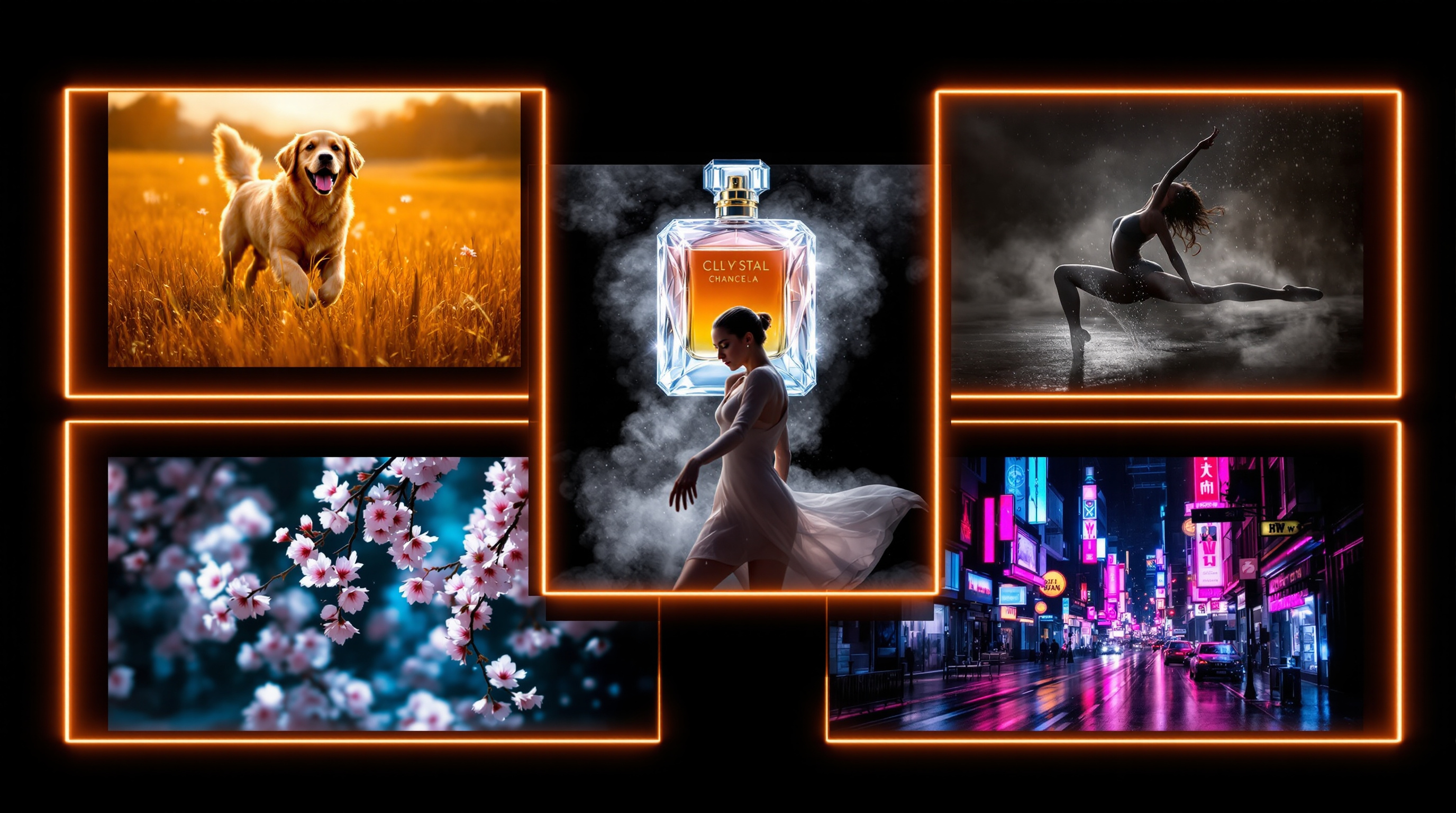
जब आप पहले ड्राफ्ट से ही बेहतर मोशन, फ़्रेमिंग और सीन डायरेक्शन चाहते हों, तो आज़माए हुए प्रॉम्प्ट पैटर्न का उपयोग करें।
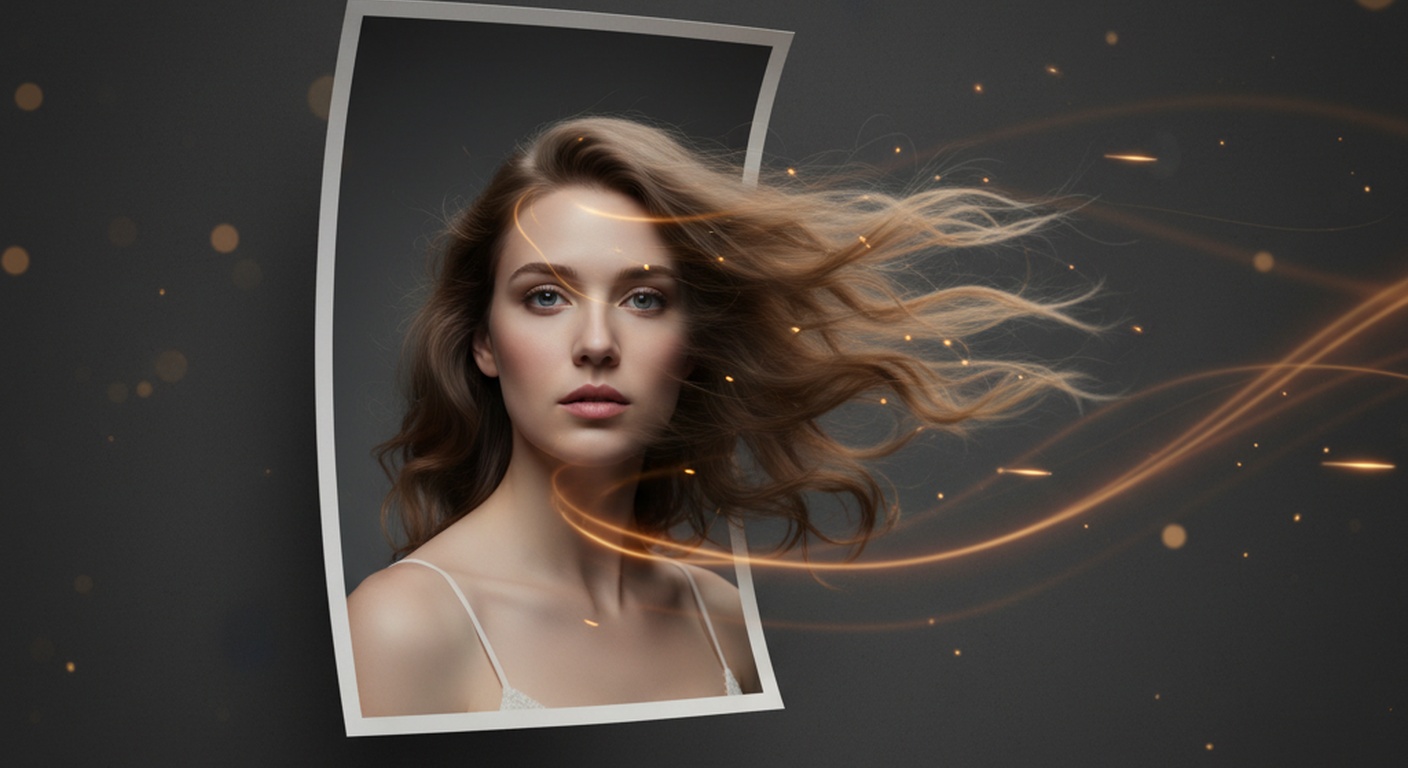
इमेज-टू-वीडियो वर्कफ़्लोज़ से अधिक साफ़ मूवमेंट, बेहतर फ़िडेलिटी और मज़बूत परिणाम पाने के लिए एक व्यावहारिक गाइड।
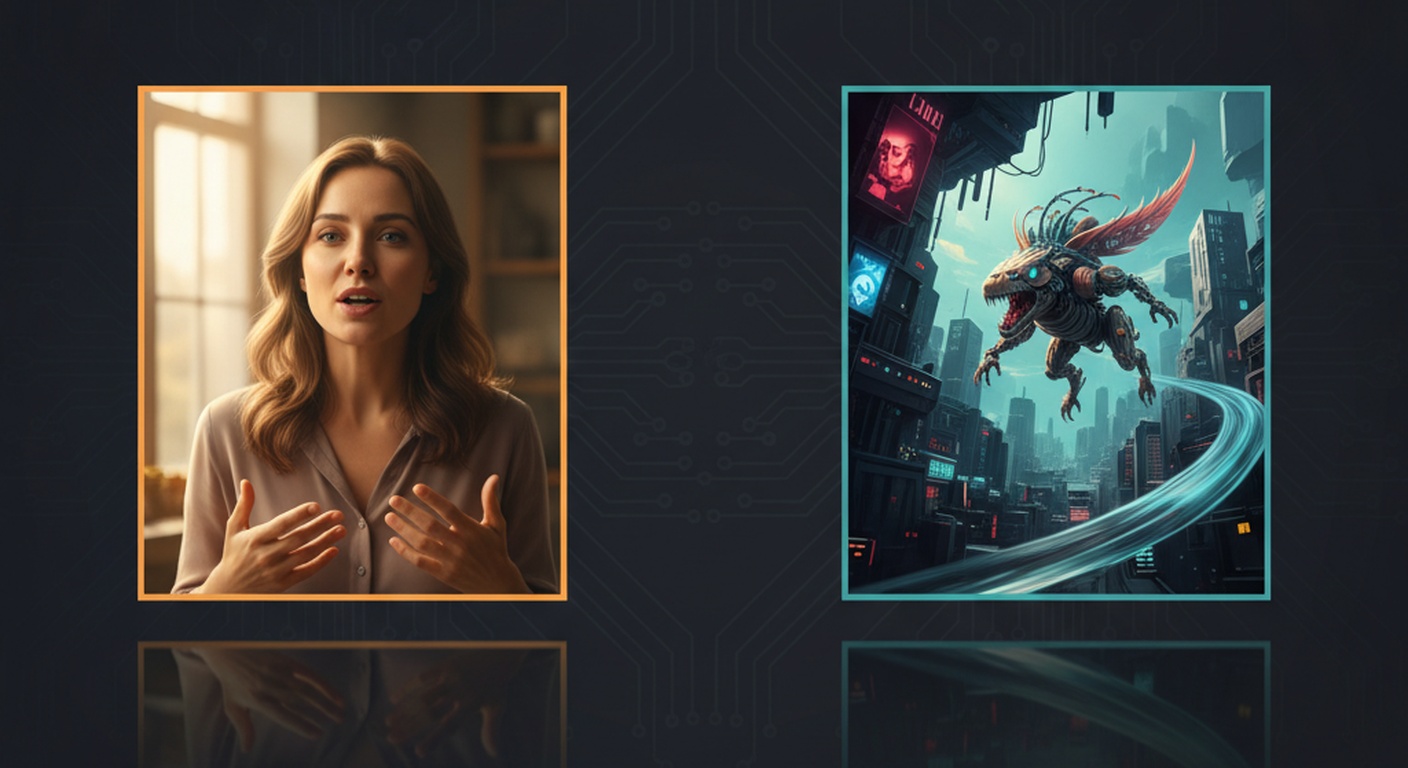
व्यापक क्रिएटर गुणवत्ता और मल्टीमॉडल, रेफ़रेंस-प्रधान जेनरेशन के बीच के समझौते को समझें।
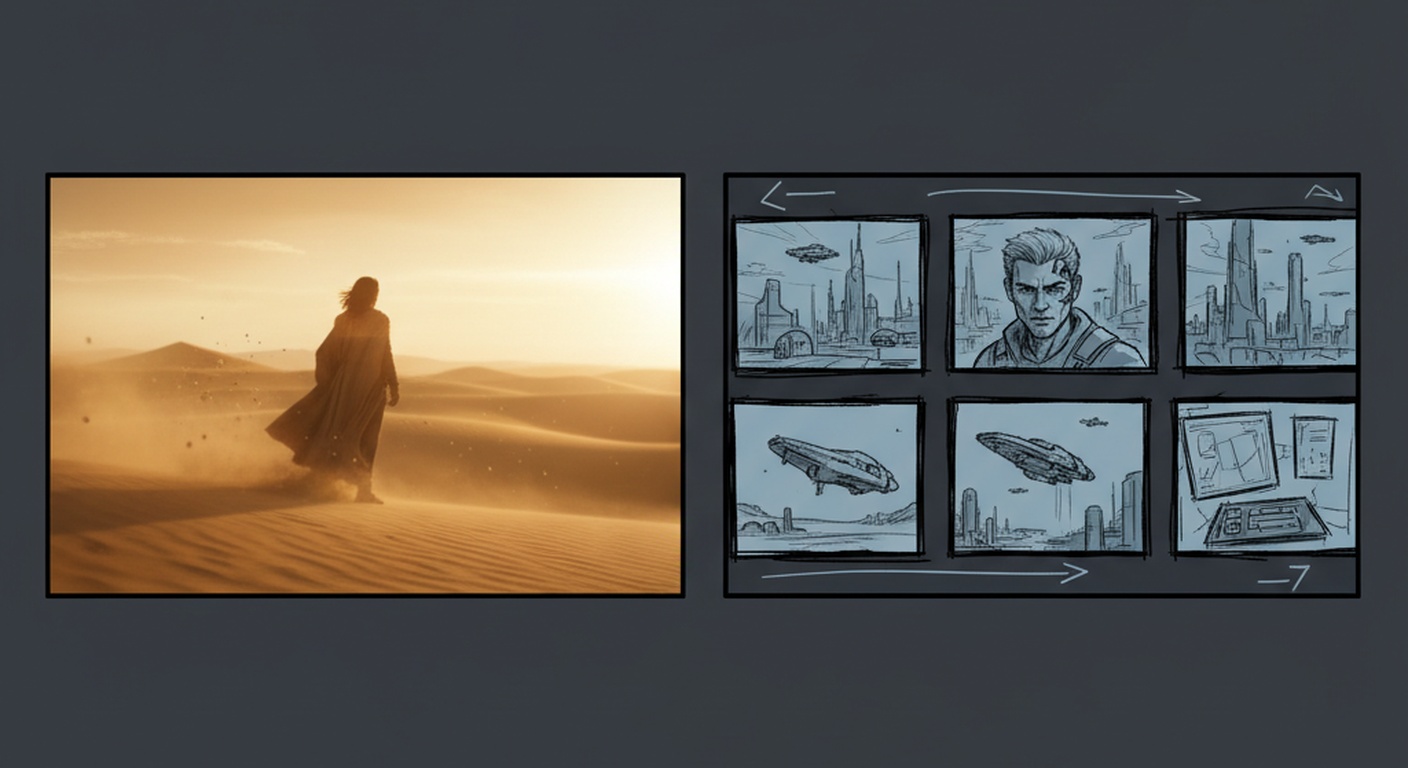
Happy Horse और Kling के बीच निर्णय लेते समय क्रिएटर क्वालिटी, वर्कफ़्लो फ़िट और प्रोडक्ट मैच्योरिटी की तुलना करें।
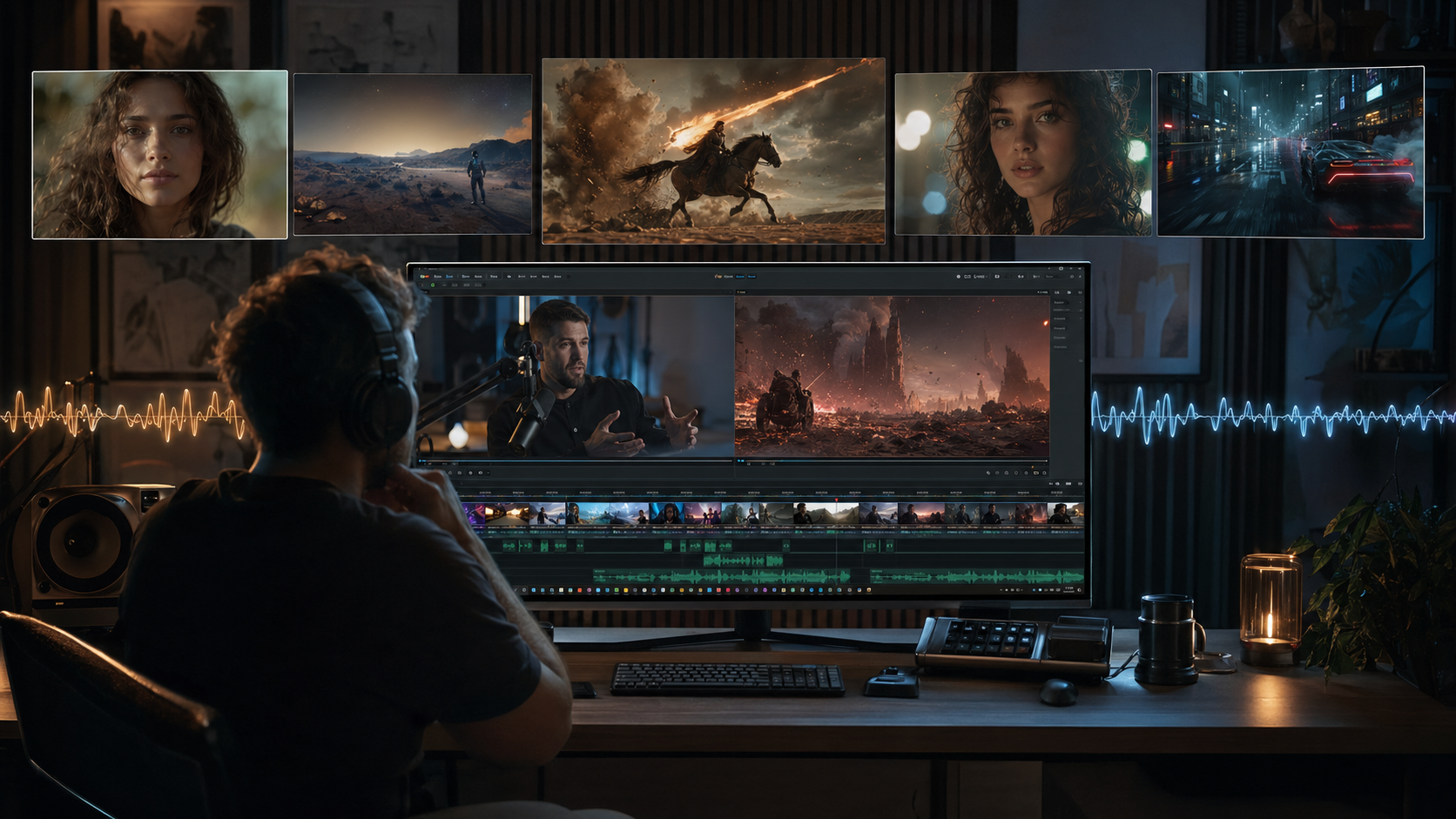
सबसे मज़बूत मौजूदा AI वीडियो टूल्स की क्रिएटर-फ़र्स्ट रैंकिंग, जिसमें पोज़िशन और वर्कफ़्लो संदर्भ शामिल है।
वर्कफ़्लो इतना सरल है कि पहले ड्राफ्ट के लिए उपयुक्त है और इतना लचीला भी कि जल्दी-जल्दी इटरेट करने वाले क्रिएटर्स के लिए उपयोगी है।
टेक्स्ट कॉन्सेप्ट से शुरू करें या एक स्थिर इमेज लाएं, जब आपको पहले से पता हो कि आप कौन-सी विज़ुअल डायरेक्शन चाहते हैं।
text-to-video या image-to-video चुनें, फिर generate करने से पहले duration, framing, resolution और वैकल्पिक audio को समायोजित करें।
render किए गए परिणाम की समीक्षा करें, prompt directions की तुलना करें, और तब तक दोहराते रहें जब तक motion और composition सही न लगें।
सबसे बड़ी value speed है: लोग इसका उपयोग ideas को testable video drafts में बदलने के लिए करते हैं, इससे पहले कि वे अधिक time और budget लगाएँ।
Maya R.
Short-form video creator
"यह मुझे full version edit करने में समय लगाने से पहले reels के लिए कई scene directions test करने में मदद करता है।"
Chris W.
Indie filmmaker
"मैं इसका उपयोग manually produce करने लायक shots तय करने से पहले camera language और pacing ideas को explore करने के लिए करता हूँ।"
Grace H.
Brand designer
"हम still campaign art को इतनी जल्दी moving concepts में बदल सकते हैं कि उसी meeting में direction पर चर्चा हो सके।"
Maya R.
Short-form video creator
"यह मुझे full version edit करने में समय लगाने से पहले reels के लिए कई scene directions test करने में मदद करता है।"
Chris W.
Indie filmmaker
"मैं इसका उपयोग manually produce करने लायक shots तय करने से पहले camera language और pacing ideas को explore करने के लिए करता हूँ।"
Grace H.
Brand designer
"हम still campaign art को इतनी जल्दी moving concepts में बदल सकते हैं कि उसी meeting में direction पर चर्चा हो सके।"
Daniel K.
Creative director
"जब हम campaign की शुरुआत में framing, motion और mood पर जल्दी align होना चाहते हैं, तो हम इसका उपयोग fast visual mockups के लिए करते हैं।"
Nina P.
Social content lead
"workspace iteration को आसान बनाता है क्योंकि latest render और recent history साथ में दिखाई देते रहते हैं।"
Owen J.
Startup founder
"यह idea से demo footage तक का रास्ता छोटा कर देता है, जो product launches और landing page experiments के लिए बेहतरीन है।"
Daniel K.
Creative director
"जब हम campaign की शुरुआत में framing, motion और mood पर जल्दी align होना चाहते हैं, तो हम इसका उपयोग fast visual mockups के लिए करते हैं।"
Nina P.
Social content lead
"workspace iteration को आसान बनाता है क्योंकि latest render और recent history साथ में दिखाई देते रहते हैं।"
Owen J.
Startup founder
"यह idea से demo footage तक का रास्ता छोटा कर देता है, जो product launches और landing page experiments के लिए बेहतरीन है।"
Alicia T.
Product marketer
"image-to-video खास तौर पर product visuals को बिना assets को शुरू से दोबारा बनाए motion concepts में बदलने के लिए उपयोगी है।"
Leo S.
Motion designer
"जब किसी concept के लिए कई platform versions चाहिए होते हैं, तब prompt phrasing और aspect ratio choices को test करने के लिए यह उपयोगी है।"
Alicia T.
Product marketer
"image-to-video खास तौर पर product visuals को बिना assets को शुरू से दोबारा बनाए motion concepts में बदलने के लिए उपयोगी है।"
Leo S.
Motion designer
"जब किसी concept के लिए कई platform versions चाहिए होते हैं, तब prompt phrasing और aspect ratio choices को test करने के लिए यह उपयोगी है।"
workflows, inputs, और यह AI video generator आपको क्या करने में मदद करने के लिए बनाया गया है, इस बारे में सामान्य प्रश्न।
एक AI वीडियो जनरेटर आपको हर शॉट को शुरू से मैन्युअली बनाए बिना prompts, images, references, या existing footage से वीडियो बनाने में मदद करता है।
आप एक text prompt दर्ज कर सकते हैं, image upload कर सकते हैं, references जोड़ सकते हैं, या किसी existing clip से शुरू कर सकते हैं, फिर model settings समायोजित करके सीधे browser में वीडियो render कर सकते हैं।
Text-to-video तब सबसे बेहतर है जब आप किसी idea या scene description से शुरुआत कर रहे हों। Image-to-video तब बेहतर है जब आपके पास पहले से कोई visual reference हो जिसे आप animate करना चाहते हों।
हाँ। Reference-to-video workflows तब उपयोगी होते हैं जब आपको characters, products, या overall visual direction के लिए अधिक मजबूत consistency चाहिए होती है।
हाँ। Video edit workflow आपको एक existing clip upload करने और यह बताने देता है कि क्या बदलना चाहिए, क्या वैसा ही रहना चाहिए, या किसे restyle किया जाना चाहिए।
हाँ। आप supported aspect ratios और clip durations चुन सकते हैं, और जब चुना गया video model sound generation को support करता हो तब audio enable कर सकते हैं।
हाँ। Processing पूरी होने के बाद completed renders को generator workspace से सीधे preview और download किया जा सकता है।
Rendering time queue load और output settings के अनुसार अलग-अलग हो सकता है। आप सुरक्षित रूप से page छोड़ सकते हैं और बाद में My Creations में प्रगति देख सकते हैं।