
In our testing, Happy Horse AI audio sync felt better because the model behaved more like a system that treats sound and motion as one event instead of stitching them together later. In practice, that led to tighter lip sync, better timing, and more believable multilingual clips.
We ran into this difference repeatedly while building tryhappyhorseai.com. After testing Happy Horse AI against more common split-pipeline workflows, the pattern became obvious: the model feels stronger because it does not treat audio as an afterthought.
As of April 2026, Artificial Analysis lists HappyHorse-1.0 under the creator label Alibaba-ATH and at the top of its public text-to-video and image-to-video arena leaderboards. Alibaba has also publicly described ATH as a newly established business group in its March 17, 2026 Wukong announcement.
The Short Answer
In our testing, Happy Horse AI outperformed other AI video generators on visible audio sync because it behaved more like a model that generates video and audio jointly instead of stitching them together afterward. That approach produced tighter lip sync, better timing between motion and sound, and stronger multilingual results across English, Mandarin, Cantonese, Japanese, Korean, German, and French.
If you make talking-head explainers, music clips, product ads, or localized campaigns, this matters more than another bump in resolution. Audio sync is the difference between "interesting demo" and "usable video."
If you want the broader model comparison first, read Happy Horse AI vs Google Veo 3. If you want prompts that work with the model's motion-and-audio behavior, start with 50 Best Happy Horse AI Prompts.
Why Most AI Video Audio Sync Still Feels Fake
The standard workflow is still split
Most competing systems behave like a relay race. One stage generates the visuals. Another stage adds speech, ambient sound, or music. Then a final alignment layer tries to make everything look synchronized. That sounds reasonable on paper, but it creates small timing errors that humans notice immediately.
The failures are usually subtle:
| Problem | What you see |
|---|---|
| Lip closure lands late | Consonants like "b", "p", and "m" look off |
| Vowel shape drifts | Mouth movement feels rubbery instead of speech-driven |
| Motion and sound disagree | A hand clap or footstep lands a fraction early or late |
| Dubbing is visually correct but emotionally wrong | The face moves, but the rhythm and emphasis feel unnatural |
These issues are why so many AI video demos look good with the sound off and much worse when you listen.
Humans are brutal at detecting sync errors
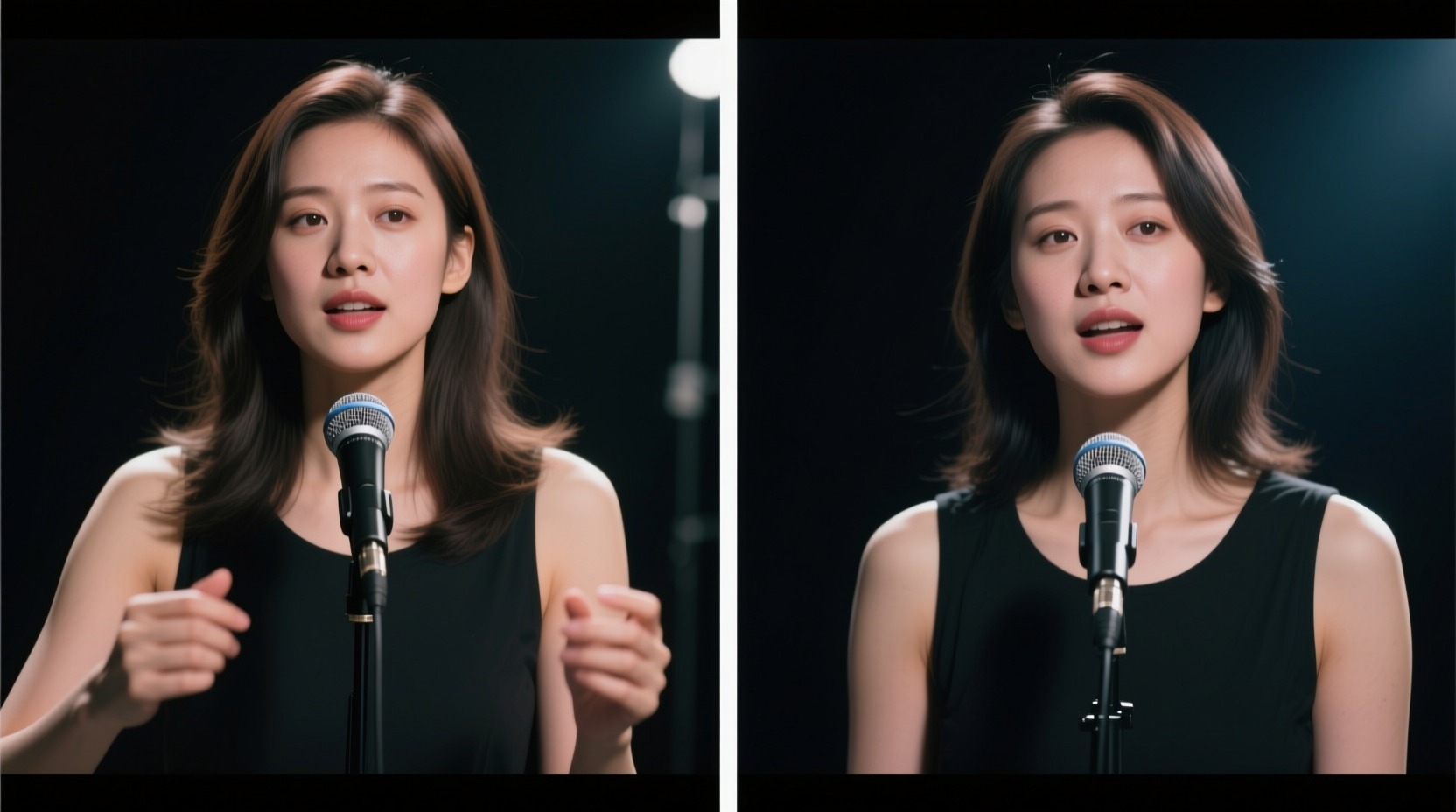
People can forgive soft textures and short visual glitches. They are much less forgiving about speech timing. A face that is 90% correct still looks wrong if the mouth closes a beat late. That is especially true for talking-head videos, dialogue, singing, and multilingual ads.
This is the core reason Happy Horse AI stands out. It does not need to "repair" sync after the fact as often, because sync is part of the generation process itself.
How Happy Horse AI Audio Sync Actually Works
One model, one timeline
Happy Horse AI 1.0 is publicly positioned as a native audio-video model, though first-party technical documentation is still limited. The explanation below reflects that public positioning plus what we observed while testing on our platform. In practical terms, the model treats scene motion, speech rhythm, lip movement, and ambient sound as parts of the same temporal sequence rather than separate jobs owned by separate systems.
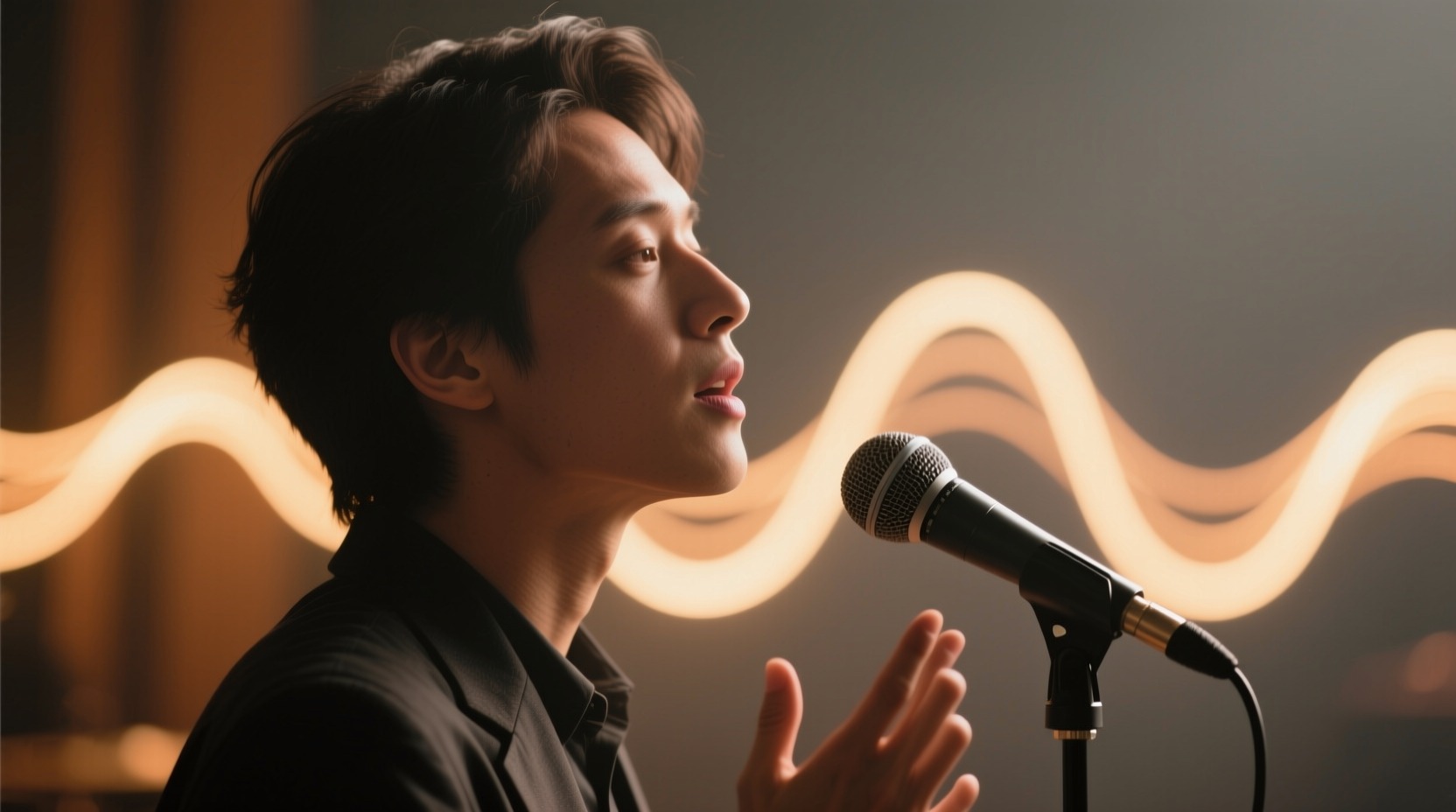
When we tested it on our platform, that showed up in three very practical ways:
- Speaking clips held mouth timing more consistently across the whole shot.
- Environmental sounds felt attached to visible motion instead of layered on top.
- Prompt changes to pacing or tone affected both the video and the audio together.
What "joint generation" means in practice
You do not need to think about tensor layouts to benefit from this. The workflow-level difference is simple:
- The prompt defines the subject, scene, pacing, language, and sound cues.
- The model plans the shot as one evolving event.
- Visual motion and audio timing are generated against the same internal timeline.
- The final clip lands with tighter alignment between face, body, camera motion, and sound.
That is why prompts like "speaking English at a natural pace" or "with rain audible" tend to produce more coherent clips on Happy Horse AI than on systems where speech and sound are added later.
Happy Horse AI vs Seedance: Unified Generation Beats Split Pipelines
Why the architecture difference matters
The cleanest way to understand Happy Horse AI is to compare it with the more common dual-branch or split-pipeline design creators see in competing tools such as Seedance-style workflows. In those systems, visual generation and audio alignment are typically handled as separate problems and reconciled later. Happy Horse AI behaves differently because audio-video coordination is built into the main generation path.
That difference is why the outputs feel different even when both tools look strong in a silent demo.
| Dimension | Happy Horse AI | Seedance-style split workflow |
|---|---|---|
| Core idea | Unified audio-video generation | Visual and audio tasks handled in separate stages |
| Lip sync source | Learned on the same temporal timeline as the shot | Often corrected or aligned after visual generation |
| Motion-to-sound timing | Usually stronger on speech, beats, and simple impacts in our testing | More likely to drift on fast speech or beat-matched scenes |
| Multilingual reliability | Stronger because phoneme timing is part of the generation path | More sensitive to dubbing mismatch and post-sync artifacts |
| Iteration cost | One generation gives you the whole clip behavior | Often requires extra retries or downstream fixes |
| Common failure mode | Complex scenes may still soften articulation | Visuals look good, but sync feels slightly detached |
This is the biggest practical takeaway from our tests: Happy Horse AI does not just give you synchronized mouths. It gives you clips where the whole scene respects the same rhythm.
Why 7-Language Lip Sync Is a Real Advantage
The supported languages matter
Public-facing materials around Happy Horse consistently describe multilingual lip sync, but we have not yet seen a stable first-party technical page that serves as the canonical language matrix. Operationally, the set we use and test against is English, Mandarin Chinese, Cantonese, Japanese, Korean, German, and French. That matters because multilingual video is where fake sync becomes easiest to spot and hardest to fix manually.
We saw the benefit most clearly in three workflows:
1. Localized ads
Brands running the same ad in multiple markets do not just need translated words. They need believable on-camera delivery. If the mouth shape matches English but the soundtrack is German, the ad instantly feels dubbed. Happy Horse AI reduces that mismatch because language timing is closer to the rendered face.
2. Talking-head explainers
Creators making tutorials, onboarding videos, or founder updates need natural pacing more than cinematic spectacle. On these clips, the viewer is staring at one face for 10 seconds. Small sync problems are impossible to hide. Happy Horse AI consistently looked more stable in this format than split-pipeline competitors.
3. Music and performance clips
Singing is the hardest sync test because speech timing is not enough. You also need rhythm, mouth openness, breath timing, and body movement to feel connected. Happy Horse AI is not magic, but it is much better than the usual "video first, audio later" stack.
If you would rather skip the prompt workflow and just want a shareable rap-style clip from one or two photos, RapReel is a purpose-built AI rap video generator that adds the vocals and beat for you.
Where Happy Horse AI Audio Sync Wins in Real Use
The strongest use cases in our testing were the ones where sound was part of the meaning of the shot:
- Multilingual product demos where the speaker addresses different markets directly
- Music videos and lyric-driven short clips where beats and mouth timing must land together
- UGC-style ads where natural speech rhythm matters more than hyper-polished visuals
- Character scenes with visible dialogue rather than silent b-roll
- Product reveals with deliberate impact sounds, pours, clicks, or ambient atmosphere
If that is your use case, you can use the AI video generator with audio sync right now — it's live and open to everyone.
Where It Still Breaks
No serious review should pretend this model is perfect. Happy Horse AI still has limits, especially when you push beyond the kinds of shots it handles best.
The failure cases we saw most often were:
- Dense crowd scenes with multiple visible speakers
- Very fast cuts where the face is only on screen briefly
- Whispered or highly stylized delivery with minimal mouth movement
- Long monologues that would be better split into shorter shots
- Complex musical performances with extreme close-up articulation
In other words, Happy Horse AI is best when one subject owns the shot and the timing intent is clear. It is much less reliable when too many speaking or singing events compete at once.
FAQ
What makes Happy Horse AI audio sync better than other AI video generators?
It generates audio and video together instead of producing the visuals first and trying to align sound later. That unified generation path leads to tighter lip sync, more believable pacing, and better motion-to-sound timing.
Does Happy Horse AI support multilingual lip sync?
Public materials around Happy Horse describe multilingual lip sync, and in our workflow we treat English, Mandarin Chinese, Cantonese, Japanese, Korean, German, and French as the practical target set. That makes it especially useful for localized ads, explainers, and multilingual creator content.
Is Happy Horse AI better than Seedance for talking-head videos?
In our testing, yes. Happy Horse AI was more reliable on short speaking clips because the face animation, speech rhythm, and scene timing felt more tightly coupled. Split-pipeline competitors often looked acceptable frame by frame but weaker in motion.
Can Happy Horse AI generate music and ambient sound too?
Yes. Happy Horse AI can generate speech, ambient sound, and music as part of the same clip. That is one reason prompts with audio intent, such as rain, café noise, or spoken dialogue, tend to work better here than on tools that rely on downstream dubbing.
What is the best use case for Happy Horse AI audio sync?
Short-form videos where viewers will notice sync quality immediately: founder videos, product explainers, localized ads, lyric clips, and creator content with visible dialogue.
Conclusion
The reason Happy Horse AI audio sync felt better in our testing is not mysterious. Instead of acting like a patch on top of video, it behaved more like a system that treated sound and motion as parts of the same event. That is why the clips often felt more natural, especially when someone was speaking, singing, or reacting on camera.
For creators, marketers, and product teams, better sync means less editing, fewer retries, and more clips you can actually publish. That is the real advantage.
If you want to test the model yourself, try the AI video generator here. If you are still comparing tools, read Happy Horse AI vs Google Veo 3 next.
Recommended Reading
- Happy Horse AI vs Google Veo 3: Which AI Video Generator Wins in 2026?
- 50 Best Happy Horse AI Prompts: Text-to-Video Examples That Actually Work